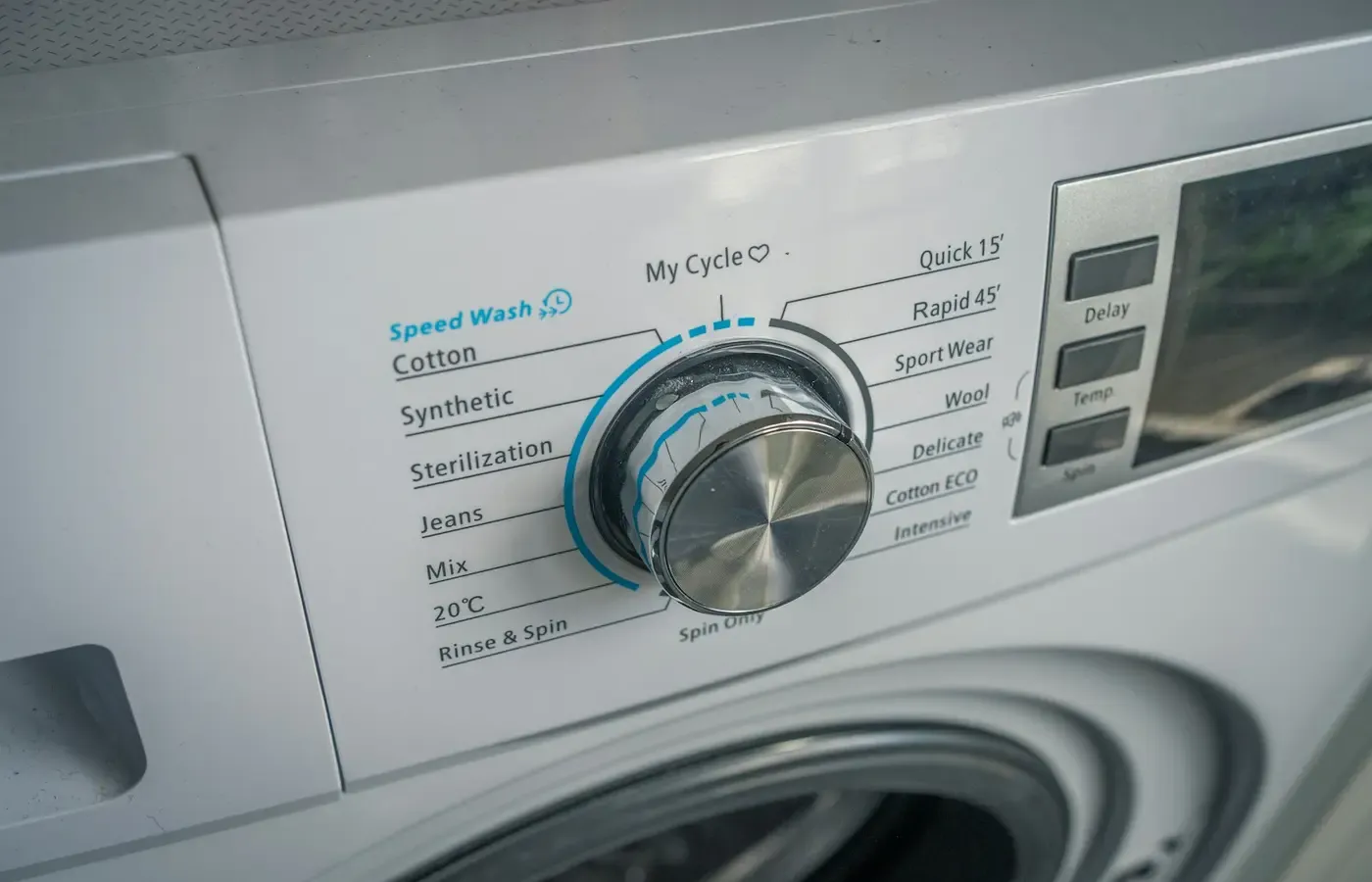
A washing machine should still wash clothes when your phone is elsewhere. An oven should not lose its essential controls because an account is unavailable. Yet the word “connected” tells you remarkably little about what happens when the connection disappears.
An appliance may use an app only for remote alerts. Another may put schedules, maps, diagnostics or specialist modes behind a login. It may work without the internet but not without a local Wi-Fi network—or operate from its panel while withholding functions you reasonably thought you had bought.
There is no universal answer covering washing machines, ovens, robot vacuums and air purifiers. Offline behavior can vary by exact model, market, firmware, app version and individual function. The useful question is therefore not simply, “Does it work without Wi-Fi?” It is: Which tasks remain available when each external dependency is removed?
That boundary should be established before purchase and tested, safely, while the appliance can still be returned.
“Connected” can mean several different dependencies
A product can contain physical controls and still depend on several systems beyond the appliance. Treat these as separate layers:
- On-appliance controls: buttons, dials, touch controls and displays.
- The phone or tablet: the device running the companion app.
- The local network: usually the household router and Wi-Fi, even if its internet connection is down.
- The manufacturer account: the identity used to register or access the appliance.
- The manufacturer’s cloud service: remote computers that may relay commands, store data or provide features.
- A third-party platform: a voice assistant, automation service or multi-brand smart-home app.
A feature may be local, network-local or cloud-mediated. Those arrangements have different consequences during an outage or service change.
Whirlpool’s smart-appliance buying guide, for example, says specified remote features require Wi-Fi and an app. Some also require remote enablement at the appliance, and the company says features are subject to change. This documents the requirements for those specified features; it does not establish whether every Whirlpool appliance retains complete basic operation offline.
Likewise, Home Connect describes app-based remote control, login-dependent advanced features, partner services and integrations with voice assistants. That illustrates how several service layers can accumulate around one appliance. Its global promotional page does not establish the offline behavior or local controls of a particular model.
“Works without Wi-Fi” is consequently too vague to settle a purchase. It might mean that the power button still works, that every core control remains available, or merely that an already configured schedule continues running. Only the exact manual and setup documentation can define the boundary for the model you intend to buy.
Decide what must remain on the appliance
Start with the appliance’s job, not its feature list. Write down the operations you would need during an internet outage, after changing phones or if you chose to delete the app.
The checklist will differ by category:
| Appliance | Candidate core controls to verify locally | Connected extras to assess separately |
|---|---|---|
| Washing machine | Cycle selection, start, pause, status and error handling | Remote alerts, diagnostics and downloadable programs |
| Oven | Cooking mode, temperature, timer, start or confirmation, and cancellation | Remote monitoring, recipe services and voice control |
| Robot vacuum | Start, stop, return to dock and basic error recovery | Scheduling, room selection, maps and automations |
| Air purifier | Power, fan speed, operating mode and filter status | Scheduling, remote air-quality history and automations |
These are questions to investigate, not claims that every product supplies each control. An exact model might expose more or less through its panel.
Physical buttons are encouraging but not conclusive. A robot vacuum may have a start button while reserving room selection for its map-based app. An air purifier may permit manual fan adjustment but put schedules elsewhere. Conversely, an appliance with a capable local panel may remain perfectly useful without ever being connected.
Separate each feature from the task it is meant to solve. A remote completion alert can be genuinely valuable when a washer is in a basement. An oven notification may help someone who moves between rooms. A mapped room-cleaning command can save repeated setup in a complex home. But convenience is not the same as necessity, and a feature that solves no recurring problem is a poor reason to accept another account or service dependency.
Questions product pages rarely answer clearly
Before buying, find the manual for the exact model number and market. A family-level product page or description of a wider platform is not enough. Then ask the retailer or manufacturer for written answers where the documentation is unclear.
Setup and everyday use
- Can initial setup be completed without installing the app or creating an account?
- Can the appliance perform its core job without ever being paired?
- Which exact controls remain available from the appliance itself?
- What stops working when the internet is unavailable?
- Does anything stop working when the router is off entirely?
- Can more than one household member use connected features, and does each person need an account?
Account-free use and internet-free use are distinct. A local panel may work without an account even though app functions require one. Alternatively, setup might require enrollment even if later operation is mainly local.
Stored settings and software
- Where are schedules, maps, favorites and saved settings stored?
- Do they remain on the appliance if the app is deleted or the user signs out?
- What is required after changing phones?
- Are software updates automatic, optional or mandatory?
- Is there a documented period for app, security or cloud-service support?
- What happens if the phone’s operating system no longer supports the app?
The supplied evidence does not provide model-specific update commitments or service-shutdown terms. Silence on a product page should not be interpreted as a promise of indefinite support.
Privacy, resale and exit
- What phone permissions does the app request, and which are optional?
- Can appliance data be deleted without closing an unrelated account?
- How is the product unpaired, reset and removed from the account?
- Can a second owner register it without the first owner’s assistance?
- Is there a documented procedure for resale, recycling or disposal?
Consumer Reports advises reviewing an appliance app’s location access and limiting it through the phone’s privacy settings where the operating system permits. This does not mean every appliance app requests the same permissions. Check the current app and privacy notice relevant to your phone, market and model.
Keep copies of the manual, written support answers and the product description as it appeared when you ordered. Also confirm when the return window begins and whether installation affects it. If an answer essential to your decision remains evasive, uncertainty itself is useful purchasing information.
Test the failure modes before the return period ends
Documentation may be incomplete, and support answers may not capture every software condition. A reversible setup check can show where your own appliance draws its dependency lines.
Begin by following the exact model’s installation and safety instructions. Before installing an app, see which core operations are available from the appliance. If you want the connected functions, pair it afterward and note what was added or changed.
You can then examine the layers separately:
- Phone absent: Put the phone away or turn it off. Check only safe, ordinary local controls.
- Signed out: Sign out of the app, if the documented process permits it, and see what access remains.
- Internet interrupted but router running: This distinguishes local-network behavior from cloud dependence.
- Wi-Fi unavailable: Check whether the appliance’s normal panel controls remain sufficient.
- App removed: If you are comfortable reinstalling and re-pairing, determine what happens to settings and household access.
Do not interrupt an active heated or water-using cycle merely to test connectivity. Do not bypass locks, safety interlocks or required confirmations. Resets, disconnections and mid-cycle procedures should be attempted only when the model’s manual explicitly allows them.
Record the result as a small dependency map: which functions worked from the panel, which needed the app, which needed only the local network, and which needed an internet service and login. This is evidence about your model in its present software state, not a guarantee of future behavior or a verdict on the whole product line.
E/CONSUMER has not conducted outage tests for the products discussed here. The sequence above is a method for readers, not reported test results.
An optional app still changes ownership
If the appliance’s core controls work locally, connecting it can be a reasonable choice. You may gain useful alerts, remote status, diagnostics or automation while retaining a workable fallback. But “optional” does not mean cost-free.
The app adds another item to maintain: an account password, permissions, software compatibility and access for other household members. Troubleshooting may span the appliance, router, phone, account and cloud service. Adding a voice assistant or partner platform introduces another policy, login and possible point of failure.
Interoperability can reduce the inconvenience of switching among apps, but it does not itself prove offline operation. Consumer Reports discusses a Home Connectivity Alliance specification intended to support control of appliances from different brands in one app. That reporting is time-sensitive and should not be treated as evidence that any specific current model supports cross-brand control—or that the original manufacturer’s cloud is no longer involved.
Service continuity also deserves attention. Whirlpool’s statement that specified connected features are subject to change is a useful reminder to distinguish ownership of the physical appliance from continued access to a service. It does not show that any particular feature will disappear, but it makes permanence an issue to verify rather than assume.
Think about the exit before creating the account. A sale or hand-me-down is easier when the appliance can be removed from your account, reset without obscure procedures and registered by another person. Disposal also calls for account removal and any documented deletion steps. The research available for this guide does not establish those procedures for any exact model, so consult the current manual and account documentation.
A decision card for buying, keeping or walking away
Buy and connect it when the essential job remains locally controllable, the connected functions solve a recurring problem, and you accept the app’s permissions, account requirements and likely maintenance.
Buy it but leave it disconnected when the panel provides everything you need and the manual confirms that pairing is genuinely optional. You can reconsider later, provided setup remains supported.
Keep your current appliance when it remains safe, functional and suitable, and the new connected functions do not justify replacement. Avoiding a purchase is a valid answer, particularly when connectivity is the principal change.
Consider another model, including a used one, when an essential control depends on an unwanted account or unverified service. For used connected appliances, confirm that the former owner can remove the device from their account and that re-registration is documented.
Postpone the purchase when the manufacturer or retailer cannot explain offline behavior, setup requirements or the transfer process. A promised feature is not useful if you cannot establish the conditions under which it remains available.
The bounded judgment is simple: connectivity is not inherently a benefit or a liability. It is acceptable when the appliance still performs the tasks you depend on under failure conditions you can tolerate. Before purchase, obtain the exact manual and written answers for the intended model, market and software environment—and test the exit while returning the product is still possible.
Sources & methodology
This guide evaluates dependency questions; it does not test, compare or rank appliances. Manufacturer sources were used to document how companies describe selected connected features and service layers: Whirlpool’s smart-appliance buying guide and the global Home Connect platform page. Consumer Reports provided independent context on app permissions and reported interoperability plans.
The research package was generated on September 9, 2026. That is not the publication or update date of any cited page; those dates were not established in the supplied material. No exact model manuals, prices, repair records, account-deletion policies, support-duration commitments, long-term reliability evidence or independent offline tests were available. Offline behavior therefore needs confirmation for the exact model, market, firmware state, app version and current account policy.