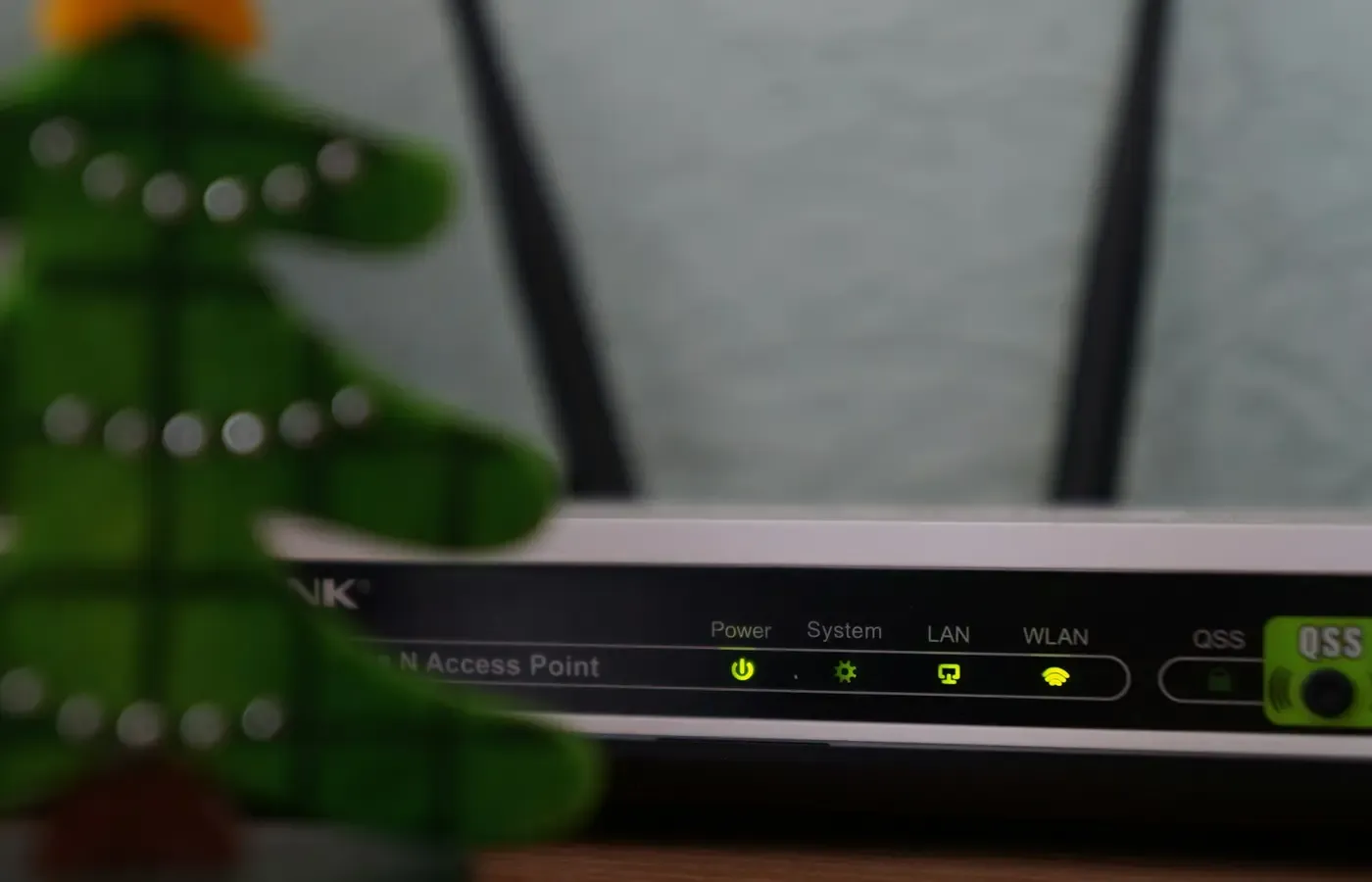
An old Wi-Fi router can carry on working long after its manufacturer has stopped supporting it. Websites load, video calls connect, and the status lights remain reassuringly green. None of that tells you whether the router can still be repaired in software when a security flaw is discovered.
There is no evidence-based grace period after router security support ends. An end-of-support date does not mean the router is compromised the following morning, but it does remove the manufacturer’s normal route for fixing newly identified defects. The sensible question is therefore not how many months you can stretch it. It is whether your exact hardware revision is still maintained, whether it has the latest available firmware, how exposed it is, and how quickly you can make a supported replacement work.
This guide does not assess a particular router or claim that age alone reveals compromise. No first-party testing record or model-specific firmware documentation was supplied for this article. Long-term reliability, current compromise and future vulnerabilities cannot be determined remotely from a router’s age, appearance or Wi-Fi generation.
Support ending is a threshold, not a countdown
A supported router has at least a declared route by which its maker can distribute corrections. An unsupported one may continue to perform its ordinary networking tasks, but newly discovered firmware problems may remain unresolved.
That distinction matters because a router is not merely a wireless appliance. It sits between the home network and the internet, handles traffic, maintains configuration and may expose administrative or remote-access functions. A strong Wi-Fi password does not update this underlying software.
End of support still does not establish that a particular unit is presently exploitable. That requires model- and version-specific evidence. Nor does the absence of a visible problem establish safety: network equipment can behave normally while retaining an uncorrected defect.
Claims about old routers being used in criminal infrastructure have circulated in secondary reporting. One supplied article, for example, describes a reported FBI bulletin concerning end-of-life routers. E/CONSUMER has not been given the original bulletin, so its wording, affected models and recommendations cannot be verified here. It would be a mistake to turn that second-hand account into a universal expiry date.
The practical boundary is simpler: once support has ended, you no longer have dependable evidence that future firmware defects will be corrected. Replacement becomes a security-maintenance decision, even if speed and coverage remain satisfactory.
Identify the router you actually have
Before shopping, establish what equipment is doing the work. A home network may include a separate modem, a router, wireless access points and mesh nodes. An ISP gateway may combine routing, Wi-Fi, telephone or television functions in one box. Replacing the wrong component can create expense without removing the unsupported device from the network path.
Record the following:
- manufacturer and complete model number;
- hardware revision, version or regional variant;
- installed firmware version and its date, if displayed;
- whether the router is owned, rented or supplied by an ISP;
- whether updates are automatic, initiated through an app or installed manually;
- the model numbers of every mesh node or satellite;
- services connected to the gateway, including telephone or television equipment.
The hardware revision is important. Products with similar names can use different internal components and firmware. A support page for one revision is not evidence that another remains maintained.
Look first on the label attached to the device, then in its administration interface or associated app. Use the address and instructions printed in the official manual rather than following generic login directions. Community material such as this router configuration overview can suggest questions to ask, but it cannot establish the correct procedure or secure settings for your model.
Next, find the manufacturer’s exact support page, firmware archive, release notes, security notices and end-of-life list. You are trying to answer four separate questions:
- Does the maker still list this hardware revision as supported?
- What is the newest authentic firmware for that revision and market?
- Does the installed version match it?
- Is there a stated date or policy for future security updates?
A message saying that no update is available answers only the third question incompletely. It may mean the router is current, or that no newer firmware will ever arrive. A secondary Intego article makes this useful distinction, although its broad advice against buying any Wi-Fi 5 router should not replace model-specific support research.
If you cannot find an intelligible support record, ask the manufacturer or ISP for the status of the full model and revision. Save the response. An unverifiable promise of continued support is a weak basis for keeping the device at the edge of your network.
Exposure determines urgency, not a safe lifespan
Two unsupported routers need not present identical circumstances. One may have few enabled services and a replacement already ordered. Another may permit administration from the internet, contain unexplained settings, or serve devices holding sensitive information. These differences affect how urgently you should act, but they do not restore vendor support.
Treat replacement as particularly urgent when one or more of the following applies:
- the manufacturer explicitly lists the model or revision as end of life;
- the latest firmware cannot be found or authenticated through an official channel;
- internet-facing administration or another unneeded remote-access function is enabled;
- port-forwarding rules or other exposed services exist and their purpose is unclear;
- administrator credentials remain at their default or are reused elsewhere;
- settings have changed without explanation, or you can no longer control the device;
- the router protects work systems, cameras, storage, medical equipment or other devices that are sensitive or difficult to update;
- an advisory names the exact model and installed firmware as affected, with no fixed release available.
Do not infer a specific vulnerability merely from a router being old. Conversely, do not assume a recent manufacturing date guarantees an adequate update policy. Support evidence should drive the decision.
If there are signs of unauthorized configuration or loss of control, this general guide is not enough to diagnose the cause. Disconnecting affected equipment, contacting the ISP or manufacturer, and changing relevant credentials from a trusted device may be appropriate, but the correct sequence depends on the equipment and services involved.
Reduce exposure while replacement is pending
Interim configuration can reduce avoidable exposure. It cannot turn unsupported firmware back into maintained firmware, and it cannot patch an unknown defect.
Using the official manual for the exact model, consider these bounded steps:
- Install the newest authentic firmware that the manufacturer still provides for the exact hardware revision. Follow its recovery instructions and avoid firmware from an unverified download site.
- Give the administration interface a unique password that is not used for Wi-Fi access or another account.
- Disable internet-facing administration and other remote-access services unless you have a defined need for them.
- Review port-forwarding rules and remove only those you know are unnecessary. Some services depend on them.
- Record essential ISP, telephone and network settings before changing or resetting anything.
- Arrange a supported replacement rather than treating configuration work as a permanent extension.
Settings such as UPnP, DNS, guest networks and bridge mode are model- and network-dependent. Changing them indiscriminately can break applications, isolate devices or disrupt ISP services. Generic advice should not outrank the manufacturer’s manual and the ISP’s provisioning requirements.
A factory reset is also narrower than it sounds. It returns settings to a documented default state; it does not install security fixes unless the official process separately updates firmware. A reset may erase configuration you need, and by itself it does not prove that an unsupported router is safe to resume using.
Alternative firmware is a specialist exit
Third-party firmware can, in some circumstances, provide maintained software after a router maker has moved on. It is not a universal rescue for old hardware.
A credible plan requires more than finding the router’s family name on a forum. Verify the exact hardware revision against the project’s current compatibility list, confirm that releases are actively maintained, read the installation and recovery instructions, and determine which functions will be lost. Mesh coordination, modem integration, hardware acceleration, telephone service and ISP provisioning may not survive the change.
Installation can also leave a router unusable if the wrong image is applied or recovery fails. Manufacturer support or warranty treatment may change, depending on the relevant terms. Without current, model-specific documentation, alternative firmware should be treated as an experimental maintenance commitment rather than an easy consumer upgrade.
This route makes the most sense for someone prepared to follow security notices, install future releases and recover the hardware. If the purpose is simply to avoid buying a replacement, the time and failure risk may outweigh the remaining value of the router.
Choose the next router for support before speed
A newer Wi-Fi generation may improve capacity, efficiency or compatibility in suitable conditions, but it is not a substitute for a security-update policy. An older wireless standard is not proof of compromise, and a newer logo does not reveal how long the product will be maintained.
When comparing replacements, look for evidence rather than a long feature list:
- a published security-update commitment covering the exact model;
- a clear account of when that support period starts and ends;
- automatic updates, or an update process you will realistically maintain;
- accessible release notes and security advisories;
- enough coverage, Ethernet ports and mesh options for the actual home;
- compatibility with the ISP’s connection and any telephone or television services;
- useful operation without an unwanted recurring subscription;
- intelligible backup, reset, account-removal and recovery procedures;
- a workable exit if the app, cloud service or product line is discontinued.
A supported router that meets current needs is a valid no-purchase decision: keep it, update it and set a reminder to check its support status. Buying used can also be sensible, but only after confirming the exact revision, remaining support window and ability to remove the previous owner’s account and configuration. A low price is poor compensation for a product already at end of support.
ISP-supplied equipment deserves separate checking. Ask whether the gateway is maintained automatically, what functions it combines, whether a customer-owned replacement is permitted, and what return terms apply. Putting a supported router behind an old gateway does not automatically remove the gateway from the network path. Bridge or modem-only modes may help in some arrangements, but they should be used only with model- and ISP-specific instructions.
Decision card: keep, bridge the gap, or replace
| What you can verify | Sensible action |
|---|---|
| The exact revision is supported, current firmware is installed, and the router still meets your needs | Keep it. Record the firmware and support details, and check them periodically. |
| Support continues, but firmware is behind | Update using the official procedure. Investigate if the update fails or the installed version cannot be reconciled with the support record. |
| Support has ended, but there is no sign of immediate trouble | Plan prompt replacement. Use documented interim settings only to bridge the gap, not as a new support policy. |
| Support status or authentic firmware cannot be established | Treat the router as an uncertain maintenance risk and replace it unless the maker or ISP can provide reliable documentation. |
| A current third-party project explicitly supports the exact revision | Consider it only if you accept installation, recovery, feature-loss and ongoing maintenance responsibilities. |
| Settings changed unexpectedly, control is lost, or a model-specific advisory applies | Stop relying on ordinary keep-or-replace advice. Consult the manufacturer or ISP and take incident-specific action. |
When retiring equipment, follow its official reset and account-removal procedure. Return rented hardware under the ISP’s terms. For owned equipment, use an applicable electronics reuse or recycling route rather than placing it in ordinary waste; local requirements vary.
The bounded judgment is this: a router does not become demonstrably compromised the moment support ends, but there is no defensible period during which unsupported firmware remains assuredly safe. Verify support while the router is still working, and replace it on your schedule rather than waiting for malfunction to make the decision for you.
Questions readers often ask
Is an unsupported router unsafe even if it works normally?
Normal operation does not reveal whether firmware defects are present or will be corrected. End of support is evidence of a missing maintenance route, not proof that the router is already compromised. That is enough to justify planning a prompt replacement.
Does a factory reset make an end-of-support router safe again?
No general conclusion follows from a reset. It may remove settings and restore documented defaults, but it does not by itself patch unsupported firmware or establish that the device is uncompromised.
Can a supported router be connected behind an old ISP modem-router?
Sometimes, but the result depends on which device still performs routing and remains exposed, as well as the ISP’s requirements. Confirm bridge mode, telephone and television implications, provisioning, and support with the ISP’s exact documentation.
Does third-party firmware extend a router’s safe life?
It may extend software maintenance for an explicitly compatible revision, but only while that project remains active and the owner installs updates. Compatibility, recovery and retained features must be verified model by model.
Sources & methodology
This guide is a decision framework, not a model-specific security assessment. The supplied research package contained no manufacturer support policies, firmware records, original government bulletin, ISP documentation or standards material sufficient to evaluate named routers. Accordingly, it gives no fixed safe interval, names no affected models and makes no claim of first-hand testing.
Secondary material was used only to identify questions and boundaries: the 5Gstore report as a lead to an unavailable reported bulletin; the Windows Forum configuration guide as an example of common setup tasks; and Intego’s upgrade discussion for the distinction between update availability and continued support. None was treated as model-specific proof of security, vulnerability or safe configuration.