A laptop can look like a bargain and still have a short useful life. The problem is not necessarily that it will stop turning on, or even stop running familiar applications. It is that several different kinds of support may be nearing their end at once: operating-system updates, eligibility for a newer version of that operating system, and the laptop maker’s own driver and firmware servicing.
Those clocks do not always match. A machine may be capable of running a currently supported version of Windows while its manufacturer has stopped refining hardware-specific drivers. Another may have recent firmware support but be running a Windows version that no longer receives monthly quality updates. And a cheap used laptop may arrive with a valid licence for an old release that is no longer supported.
Before treating a low price as value, check the support record for the exact laptop and installed operating system. This is particularly important for clearance stock and second-hand machines, where the date a product was first sold may be much earlier than the date you buy it.
Support is not one promise
“Supported” is often used as if it means one thing. For a laptop, it usually means at least three different things.
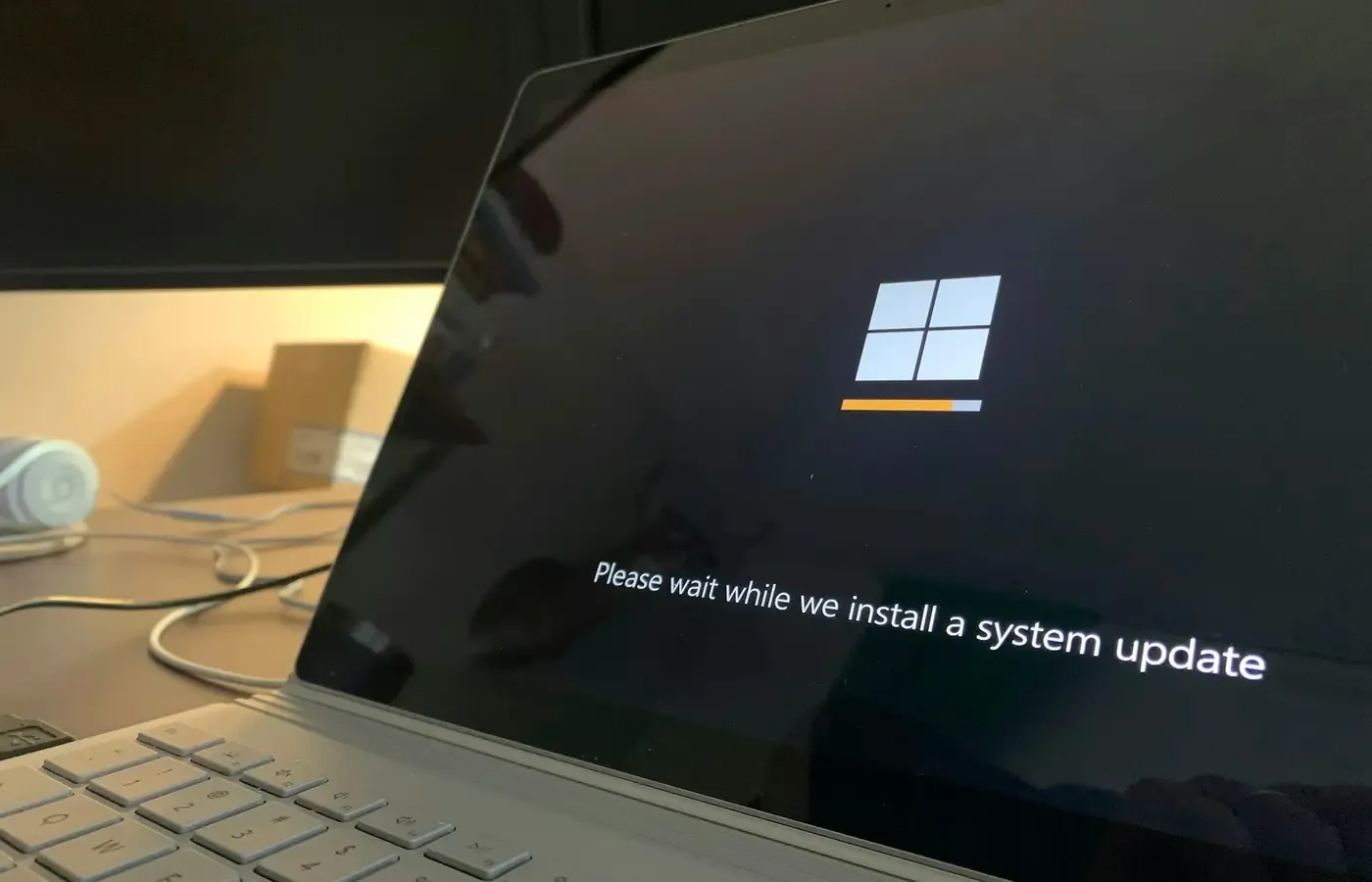
Operating-system support concerns the Windows release installed on the laptop. Microsoft says that when a product reaches end of support, it no longer receives new security updates, non-security updates or assisted support. That is a defined change in the software’s maintenance status, not proof that the computer immediately becomes unusable. But it does mean the device is no longer receiving the ordinary stream of fixes on which current, connected computing depends.
Version eligibility is separate. A laptop with Windows installed is not automatically entitled to every future Windows release. Compatibility requirements can determine whether it can move to a supported version when its current version reaches the end of its lifecycle. This is why “it has Windows” is not an adequate answer from a seller.
Manufacturer driver and firmware support concerns the hardware: its processor power management, graphics, wireless radios, camera, ports, battery behaviour and other components. Drivers help the operating system communicate with those components. Firmware is lower-level software embedded in or closely tied to the hardware.
Microsoft’s Surface driver and firmware lifecycle documentation makes this distinction unusually clear. For Windows-based Surface devices, it describes both a device-specific driver and firmware servicing period and support for operating-system versions during that period. The company says firmware and driver updates continue until a designated end-of-servicing date, with the stated aim of keeping hardware optimized for supported operating systems.
That clarity should not be projected onto every laptop maker. Surface has a published policy; another manufacturer may publish model-specific downloads and notices without presenting the same kind of lifecycle commitment. Check the documentation for the particular brand and model rather than assuming that all laptops follow the Surface approach.
The practical point is simple: a warranty, an active Windows licence and a manufacturer support page are useful signs, but none is a substitute for checking the others.
Start with Windows—and the exact version
Begin with what the machine actually runs, not what a marketplace listing says it can run.
For a laptop you own or can inspect, open Settings, then System, then About. Record the Windows edition and version. A seller’s screenshot can be helpful, but ask for the model information as well: a screenshot alone does not establish whether the machine can move to a later supported release.
Microsoft’s Windows Lifecycle FAQ directs customers to search the lifecycle information for their specific Windows product, its governing policy and its end-of-support date. It also states that devices must be on a supported version of Windows to receive monthly quality updates.
This is a useful discipline because Windows support is not a single expiry date printed on every PC box. Different products and releases can have different lifecycle terms. Microsoft groups products under either its Modern Lifecycle Policy or Fixed Lifecycle Policy. The Lifecycle Policy overview explains the distinction at a high level: products under the Modern Policy use a continuous servicing model, while products under the Fixed Policy have published end-of-support dates.
The Fixed Lifecycle Policy says covered products have defined support timelines and directs readers to Microsoft’s lifecycle product search for the specific dates. It also notes that eligibility for support can depend on installing required service packs, updates or other current servicing components.
For a purchase decision, write down four answers:
- Which Windows edition and version is installed now?
- Is that version currently supported according to Microsoft’s lifecycle information?
- Can the laptop run a newer supported version if necessary?
- Is the seller promising an update, or is the device already updated?
The last distinction matters. “Windows 11 ready” is a marketing or seller claim until you can establish what it means for that exact machine and configuration. It may mean an upgrade is available; it may mean the laptop has already been upgraded; or it may be a vague reference to the machine’s age rather than a confirmed compatibility result.
For a sealed new laptop, ask what version is preinstalled and whether the retailer can provide the exact model number. A model launched some time ago may still be sold new from remaining stock. That is not automatically a reason to reject it, but it changes the calculation: you are buying into a support timeline that began before your ownership did.
The manufacturer’s support page is a separate check
Once the operating-system position is clear, look for the laptop maker’s support material for the exact model. This is where you can find driver downloads, firmware updates, manuals, warranty information and, in the best cases, a stated servicing policy.
Do not settle for a product-family page. Laptop names are often reused across screen sizes, processor generations and business or consumer editions. The exact model number is more useful than a broad name such as “14-inch laptop” or “Pro notebook.” For a used purchase, ask for a clear photograph of the underside label, the original order documentation if available, or the model information reported by the system.
Surface provides a useful example of what a buyer should look for, without being a universal template. Microsoft’s policy says the Surface servicing period runs from a device’s initial release to its designated end-of-servicing date. It separates that hardware-focused driver and firmware lifecycle from the operating-system versions supported during the period.
This means a Surface buyer can inspect two related but distinct questions:
- Is the particular Surface still in its driver and firmware servicing period?
- Which supported Windows versions apply during that period?
For another manufacturer, you may find less formal information. The absence of an easily found end date does not prove support will be long or short. It means the promise is less easy to assess before purchase. That uncertainty deserves a place in the decision, especially when choosing between two similarly priced machines.
A downloads page can also reveal whether support material is current, but it is not by itself a forecast of future updates. A recently updated driver may reflect a one-off fix; an older download may still work perfectly well. Treat the page as evidence of the manufacturer’s documented support record, not a guarantee beyond what the manufacturer explicitly states.
A five-minute check before paying
You do not need to become a lifecycle specialist to avoid the most obvious support traps. Use this short process for new, clearance and used laptops.
1. Get the precise identity of the machine
Ask for the full model number, not just the range name. For a used machine, confirm that the model in the listing matches the device itself. If the seller will not provide enough information to identify it, you cannot properly verify its support status.
2. Establish the installed Windows version
Ask which edition and version are installed. If you can inspect the machine, check it in Settings rather than relying solely on an advertisement. A valid licence does not demonstrate that the installed version remains supported.
3. Check Microsoft’s lifecycle record
Use Microsoft’s lifecycle material to locate the policy and support information for the relevant Windows product. Microsoft’s guidance is explicit that monthly quality updates require a supported version. Record the result and the date you checked it; lifecycle information can be updated as products and policies change.
4. Confirm whether an upgrade path is real
If the laptop is on an older Windows version, establish whether it can run a supported version before paying. Do not accept “upgradeable” without asking what version it can reach and whether the seller has actually performed the upgrade.
5. Inspect the maker’s model-specific support material
Look for firmware, driver, manuals and warranty information for the exact model. For Surface devices, consult Microsoft’s published driver and firmware lifecycle policy. For other brands, use that manufacturer’s own documentation rather than importing Surface’s dates or rules.
6. Write down what remains unknown
A second-hand laptop may have an unclear repair history, a replacement battery, modified storage or a reinstalled operating system. Those are not automatic deal-breakers, but they are reasons not to value the machine as if its history were known. If the support position cannot be verified, price it as a less certain purchase—or walk away.
A shorter support window should affect the price, not dictate the answer
There is no universal number of remaining supported years that makes a laptop good or bad value. A device bought for occasional offline writing has different demands from one used for work, banking, school, video calls and personal records. What matters is whether its remaining support period suits your intended ownership period and your tolerance for an earlier replacement or upgrade.
A clearance laptop can still be sensible if its discount is meaningful, the installed Windows version is supported, and the model can remain on supported software for as long as you expect to keep it. The decision becomes less attractive if the lower price merely brings forward a replacement you would otherwise have avoided.
With used laptops, the calculation is sharper. The upfront saving may be substantial, but a machine that is already near the limit of its supported software path should not be compared only with the original retail price. Compare it with the likely cost and inconvenience of replacing it sooner, moving data, buying accessories again and disposing of the old device responsibly.
This does not mean every laptop approaching an end date is a bad purchase. It means the seller’s price should acknowledge the constraint. If two machines meet your needs today but one has a clearer and longer documented support path, the cheaper one must be cheap enough to compensate for its shorter horizon and greater uncertainty.
Avoid treating unsupported as synonymous with useless. Microsoft’s documented consequence is narrower: after end of support, there are no new security updates, non-security updates or assisted support. A laptop may continue to function. But for a primary, internet-connected machine, losing the routine maintenance stream should trigger a deliberate decision rather than passive drift.
Keeping the laptop may still be the sensible choice
An approaching support deadline is not an automatic instruction to buy another computer. First see whether the current laptop can move to a supported Windows version. If it can, updating may extend its useful life without replacing otherwise adequate hardware.
If it cannot, decide what role the machine should have. A laptop that is no longer appropriate for everyday online accounts may still have limited value for a contained task, but the available evidence here does not establish which alternative operating systems, paid support programmes or security measures are suitable for any particular model. Those choices require current, device- and edition-specific documentation.
Microsoft notes that paid programmes may be available for applicable products after end of support, but availability and terms cannot be assumed for a particular consumer laptop without checking the relevant Windows edition, market and current programme rules. Do not build a purchase decision around an extended-support option until you have confirmed that it applies.
The best outcome may be to keep the laptop, update it, buy it used at the right price, or decline it and wait for a model with a clearer support record. Software support is not the whole value of a computer, but it is one of the few parts of ownership that can be checked before money changes hands.
Quick decision card
Buy with confidence when: you can identify the exact model, the installed Windows version is supported, the upgrade path is clear, and the manufacturer provides relevant model-specific support information.
Negotiate or compare harder when: the laptop is older clearance stock, its remaining software path is short, or driver and firmware servicing information is difficult to establish.
Pause before buying when: the seller cannot identify the model or Windows version, describes support only in general terms, or expects you to accept an old installation without evidence that it can be brought onto supported software.
Keep your current laptop when: it can move to supported software and still meets your actual tasks. A replacement should solve a real problem, not merely satisfy the anxiety created by an arbitrary age threshold.
Sources & methodology
This guide is limited to Microsoft’s published lifecycle material and uses Surface as a documented example of manufacturer-level driver and firmware servicing. It does not make comparable claims about Apple, ChromeOS, Linux or other PC brands because equivalent policies were not included in the research material.
- Microsoft, Product End of Support and Retirements overview
- Microsoft, Windows Lifecycle FAQ
- Microsoft, Lifecycle Policy overview
- Microsoft, Fixed Lifecycle Policy
- Microsoft, Surface driver and firmware lifecycle support
Policies, supported versions and device servicing dates can change. Check the relevant manufacturer and operating-system documentation again immediately before purchase.