A phone does not become inadequate on its birthday. Nor does the arrival of a faster camera, brighter display or new software feature make the one in your pocket obsolete.
The useful question is narrower: can your phone still perform the jobs you require, safely and reliably, without costly repairs or a growing collection of workarounds?
Commercial consumer guidance from Asurion identifies battery life, storage, performance and ageing software as pressures that often accumulate before replacement. That is a sensible set of symptoms, but it does not establish a universal replacement interval. The evidence supplied for this guide contains no independent basis for saying that every phone should last—or be replaced after—a particular number of years.
Instead, use the condition of your device, its remaining support and the consequences of failure. The answer may be to keep it, repair it, buy a suitable used or refurbished replacement, or wait. A new flagship is only one possible outcome.
Start with the failure, not the phone’s age
Before comparing new models, record what is actually going wrong over several ordinary days. Be specific.
“Old and slow” is less useful than “the navigation app takes two attempts to open.” “Bad battery” tells you less than “the phone no longer lasts through my work shift.” Note how often each problem occurs, what you were trying to do and whether a restart, charger or other workaround was required.
Then distinguish inconvenience from a consequential limit:
- Inconvenience: an application opens slowly, storage needs occasional attention or the battery requires an afternoon charge that is easy to arrange.
- Reliability problem: calls drop because of the device, the charging connection is intermittent or an essential application repeatedly fails.
- Compatibility limit: required software, workplace management, a network service or an essential accessory no longer supports the phone.
- Support limit: the exact model no longer receives relevant security fixes, with no credible promise of further patches.
Frequency matters, but consequence matters more. An occasional camera delay may be tolerable. An unreliable phone used for authentication, travel, work or emergency contact can impose a much greater cost even if the fault is intermittent.
Frustration is worth noticing, but it is not a technical threshold. Ask what causes it and whether that cause can be removed without replacing the whole device.
Run the six-part upgrade-readiness check
Use this decision card before shopping. It deliberately has no score: the importance of each item depends on your work, budget and tolerance for downtime.
| Check | What to establish | What it may point toward |
|---|---|---|
| Battery | Available diagnostics, practical runtime and charging reliability | Diagnosis or battery service if this is the main fault |
| Security support | Exact model, market, latest patch and any documented future support | Replacement becomes more reasonable once support has ended, especially for sensitive use |
| Repair | Written quote, parts, warranty, downtime and treatment of seals | Repair if one fault dominates and the terms are acceptable |
| Storage | What consumes space and whether replaceable files can be moved or removed | Cleanup if pressure is reversible; replacement if required data and apps no longer fit |
| Compatibility | The exact application, service, network, accessory or accessibility need | Replacement only when the requirement is real and documented |
| Failures | Frequency, consequence and number of recurring workarounds | Several overlapping limits strengthen the case for replacement |
One isolated, repairable weakness generally calls for diagnosis. Replacement becomes easier to justify when several consequential limits overlap—for example, a weak battery, an unreliable port and ended software support.
This distinction also appears in Vertu’s commercial repair-or-replace guidance, which separates a battery-only problem from a device with multiple faults. It is a useful framing device, not independent evidence about typical repair quality, costs or reliability.
A tired battery may justify a repair, not an upgrade
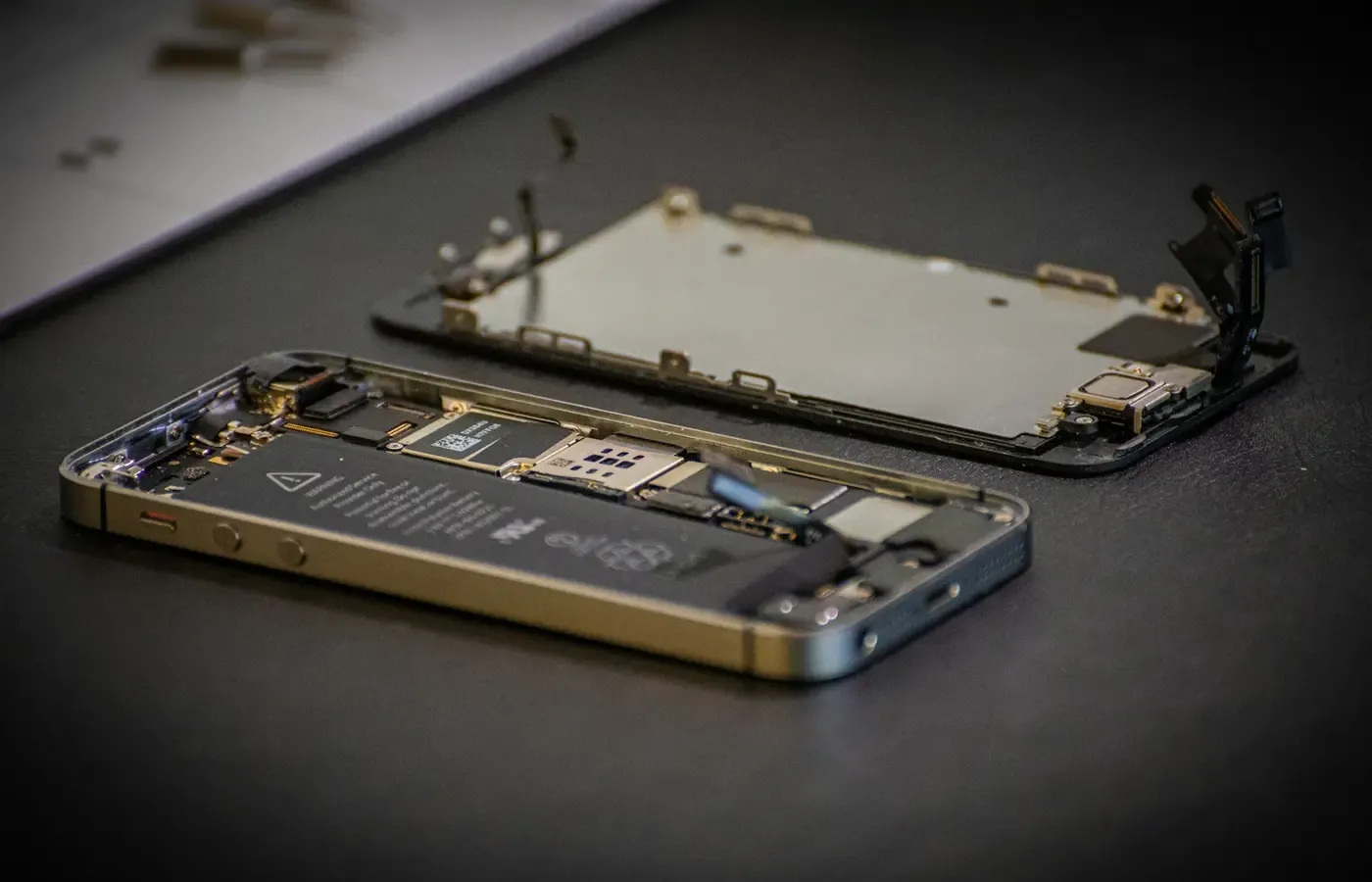
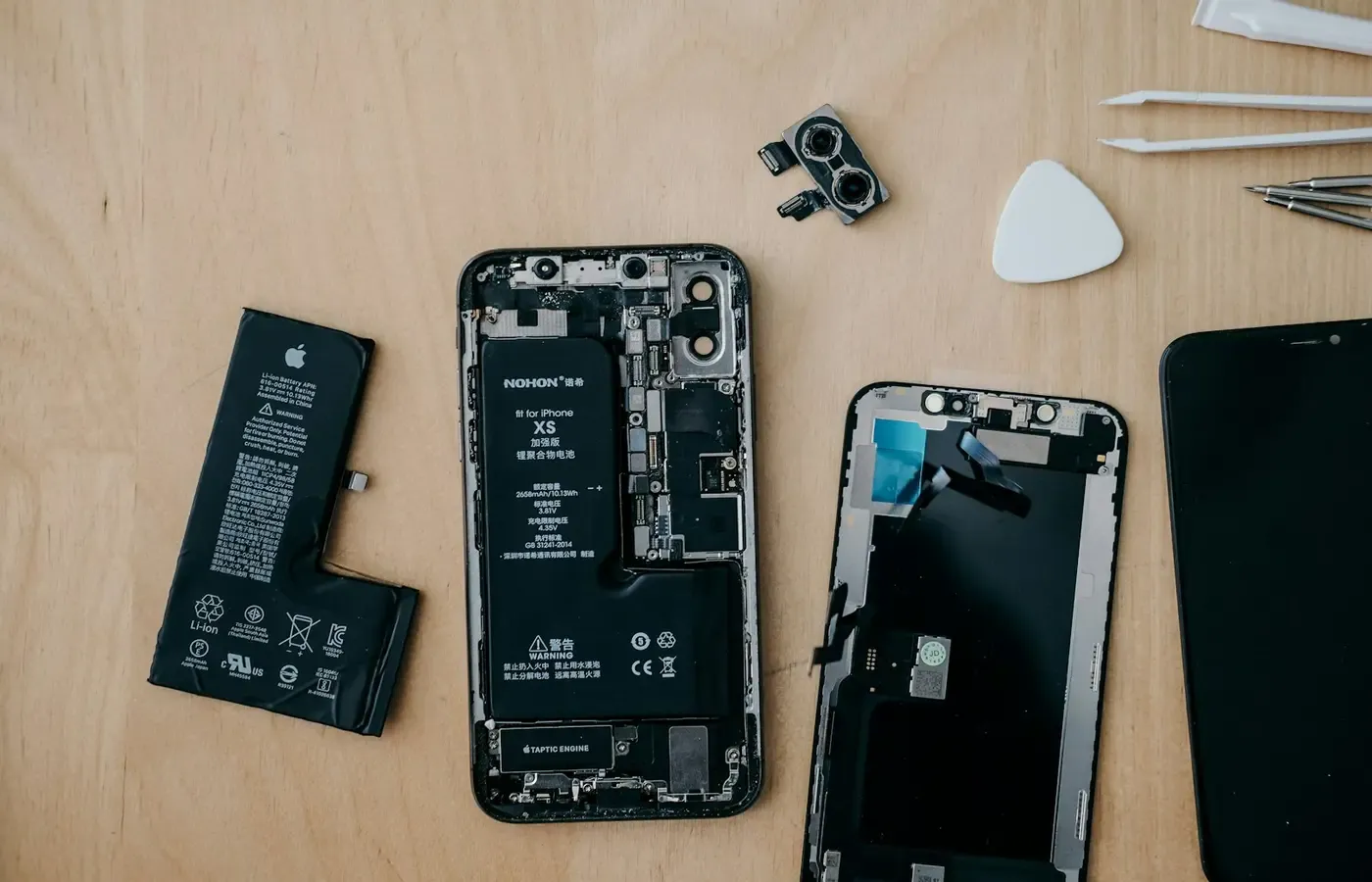
Reduced runtime is one of the clearest signs of ageing, but the battery is a replaceable component in many phones, even when replacement requires professional tools.
First, use whatever battery diagnostic information the phone provides. Treat displayed percentages carefully: their meaning and calculation can differ by brand, model and operating-system version. A single number does not tell you whether the rest of the phone is dependable, how long it will remain supported or whether a repair will be economical.
There is no universal rule that a phone must be replaced when a battery-health display reaches 80 percent. The research available for this article does not support that threshold as a general upgrade boundary.
If battery life is the only serious problem, obtain a written repair quote and ask:
- What part will be fitted, and who supplies it?
- What warranty covers the part and the work?
- How long will you be without the phone?
- Could existing damage complicate the repair?
- How will the repair affect seals or any claimed water resistance?
- Will the device be erased, and what backup should you make first?
Do not assume that opening and resealing a phone restores its original water resistance. The result depends on the model, existing condition, parts and repair method. Nor does a new battery necessarily make an old phone perform like a new one; it addresses battery wear, not insufficient storage, an ageing processor, a damaged port or unsupported software.
The repair case is strongest when the rest of the device remains sound, the phone still receives the updates you need and the quote buys a credible extension of useful life.
Security support is the firmer boundary
A phone can continue to switch on long after its maker stops issuing security updates. That does not mean it becomes compromised the following morning. It means newly discovered flaws may no longer be fixed, so exposure can grow while the hardware appears unchanged.
Establish the exact model—not merely the product family—and the market in which it was sold. Similar names can cover different variants, and broad support promises for recent premium phones should not be projected onto cheaper or older devices.
Check the date of the latest installed security update and look for a model-specific commitment from the manufacturer. The supplied research package does not include manufacturer support policies, security bulletins or model lists, so this guide cannot give reliable support dates for particular phones.
Your use changes the consequence. A device used for banking, work credentials, identity documents or account recovery deserves a lower tolerance for uncertain support than a secondary handset kept offline for music. Employer or service-provider requirements may also set a boundary before the hardware itself fails.
Ended support is therefore a stronger replacement reason than missing a new visual feature. But the decision should still be model-specific: establish what has ended, when it ended and what sensitive tasks the phone performs.
Test whether storage and slowness are reversible
Storage pressure and poor performance can be symptoms rather than verdicts. Before buying, conduct a bounded cleanup and observation period:
- Install legitimate pending system and application updates, provided the phone is still supported.
- Inspect the operating system’s storage breakdown.
- Remove downloads, duplicate media and other replaceable files you no longer need, or move them to storage you control.
- Identify whether one unusually demanding application causes most of the difficulty.
- Restart the phone and repeat the tasks that previously failed.
- Note whether the problem is consistent or appears only under particular conditions.
Asurion suggests that cleanup, battery service and updates can help some slow phones. These are diagnostic steps, not guaranteed cures. The research package contains no controlled testing showing that cleaner applications, resets or battery replacement reliably make an older device “like new.” Be especially cautious about granting broad file access to an unfamiliar cleanup service.
If ordinary housekeeping restores enough free space and dependable operation, you have learned that replacement was not yet necessary. If your required applications and data no longer fit even after sensible cleanup, limited capacity has become a real constraint.
A factory reset is a more disruptive experiment, not routine maintenance. It requires a verified backup, restoration time and confidence that account credentials can be recovered. It is reasonable to skip it when the likely benefit does not justify the work.
Upgrade for a required capability, not a specification gap
A newer phone will differ from yours in dozens of measurable ways. Most differences matter only if they alter a job you actually perform.
Write the requirement as a sentence: “I need an application that no longer supports this operating system,” “my workplace requires a supported security version,” or “this accessibility feature would remove a recurring barrier.” Network access, dependable accessory support and a particular camera capability can also be legitimate needs.
Then verify the requirement with the relevant provider before replacing the phone. None of the supplied sources documents that a named application, carrier, accessory or service has dropped support for a particular model, so such claims must be checked individually.
By contrast, “the new one has a faster processor” identifies a specification gap, not necessarily a practical one. If your present phone completes your tasks within acceptable time, theoretical headroom may never become useful. Pleasure is a valid reason to buy, but it should be named honestly rather than disguised as necessity.
Compare repair and replacement on the same horizon
A repair quote and a phone’s sticker price are not directly comparable. Put each option on the same time horizon and include the costs surrounding it.
For keeping or repairing, record:
- the repair quote and expected downtime;
- any other known faults;
- remaining documented software support;
- the likelihood that storage or compatibility will soon become limiting;
- backup and temporary-phone arrangements.
For replacement, record:
- the net price after any trade-in, without assuming a quoted value is guaranteed;
- accessories that cannot be reused;
- setup, authentication and data-transfer time;
- financing costs or service-plan changes;
- the support commitment for the exact replacement model;
- the seller’s return terms and, for a used device, battery and repair history where available.
Do not let a monthly payment conceal the total price, and do not count an advertised trade-in until its conditions and final valuation are clear. Equally, the cheapest repair is not necessarily economical if another major fault or a support deadline is close behind it.
A used or refurbished phone can occupy the sensible middle ground, provided it supplies the required capability, has acceptable condition and has enough documented support remaining for your intended ownership period. Buying last year’s model new may serve the same purpose. The goal is not maximum specification; it is sufficient capability with an acceptable exit.
Four defensible decisions
Keep the phone when it remains supported, dependable and compatible with your necessary tasks. An optional improvement can wait.
Repair it when one economical fault—often the battery—dominates, the rest of the device is sound and the repair route offers acceptable parts, warranty and downtime.
Replace it when software support has ended for a phone handling sensitive tasks, a required capability is demonstrably unavailable, repair is uneconomic, or several consequential failures overlap.
Wait and reassess when the desired gain is mostly optional, the current phone remains fit and you have not yet established whether cleanup or a repair solves the problem.
The practical test is not whether a newer phone is better. It almost certainly is in some respects. The test is whether replacing yours resolves a documented limit at a cost—and with a support horizon—you can defend.
Common questions
Should I replace my phone when its battery health reaches 80 percent?
Not on that number alone. Battery-health readings are not necessarily comparable across devices, and the figure does not capture runtime needs, repair terms, other faults or remaining software support. Diagnose the practical problem and compare a battery-service quote with suitable replacement options.
Is it safe to keep using a phone that no longer receives security updates?
Ended updates do not prove that a phone is already compromised, but future vulnerabilities may remain unpatched. The consequence depends partly on what the phone does. Banking, work authentication and identity-sensitive use make unresolved support more important. Establish the exact model’s status and consider moving sensitive tasks to a supported device.
Is replacing a phone battery usually worth the cost?
There is no reliable universal answer in the supplied evidence. It can be worthwhile when battery life is the only major weakness and the phone remains supported and otherwise capable. Multiple faults, poor repair terms or little remaining support weaken the case.
Should I buy a new phone if storage is always full?
First identify what consumes the space and whether replaceable files can be removed or moved. If required applications and data still do not fit, capacity is a genuine limit. Choose a replacement based on your demonstrated storage need rather than simply selecting the largest available tier.
Sources & methodology
E/CONSUMER did not test phones, batteries, repairs or storage remedies for this guide. It synthesizes decision factors from commercial consumer guidance; those sources are useful for identifying questions, not for establishing universal thresholds, prices or long-term reliability.
Sources reviewed in the research package on September 10, 2026:
- Asurion: “How to know when you should upgrade your phone”, used for its overview of battery, storage, performance and ageing-software pressures.
- Vertu: “Replace the Battery or the Phone? A Decision Guide”, used as secondary commercial guidance on distinguishing a battery-only fault from multiple device problems and on questions to ask before repair.
The supplied material did not establish publication dates for these pages, a single ideal ownership period, model-specific support dates, typical repair costs or the long-term reliability of any repair. Those matters remain device-, market- and provider-specific.