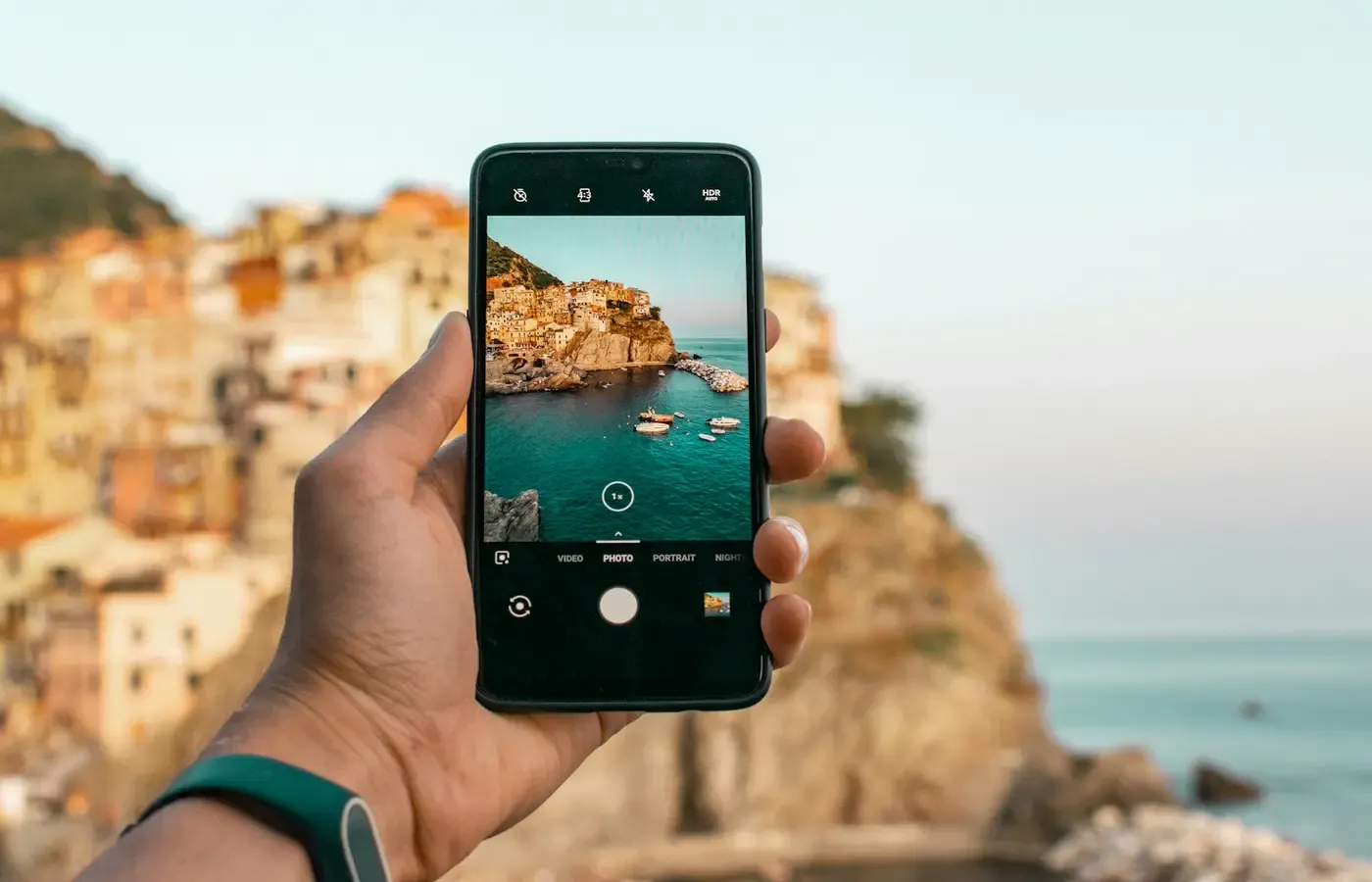
The camera you already carry is difficult to beat—not necessarily because it makes the best possible image, but because it is present when the image happens. A dedicated camera has to earn its place against that advantage.
The useful question in a phone camera vs camera comparison is therefore not which category is superior. It is whether a separate camera fixes a recurring photographic problem well enough to justify carrying another device, learning its controls, managing its files and maintaining the equipment around it.
This guide addresses those category-level trade-offs. It does not compare named models: results vary with the precise phone, camera body, lens, software, technique, conditions and intended output. The available evidence also does not support universal claims about autofocus, low-light quality, stabilization, battery life or reliability.
Start with the photographs your phone fails to make
Wanting “better image quality” is understandable but too vague to guide a purchase. Start with missed photographs rather than specifications.
Review pictures from the past six months and identify failures that mattered. Perhaps a distant subject remained too small in the frame. A moving subject was not captured as intended. The controls did not let you make a deliberate exposure quickly enough. A portrait did not have the perspective or rendering you wanted. Or a long recording session demanded a more specialized setup.
Then ask four questions:
- Does the failure recur? An annual event may justify borrowing or renting, not ownership.
- Is equipment actually the cause? Position, timing, light and technique can matter more than the device.
- Where will the result be seen? A limitation visible in a large print or close crop may disappear in a message thread.
- Would you have carried a camera at that moment? Capability left at home has no practical advantage.
An Amateur Photographer comparison identifies larger sensors and interchangeable lenses as broad distinctions between dedicated cameras and phones. Those distinctions can be useful, but neither is a verdict. A larger sensor is not a promise that every photograph will look better, and interchangeable lenses help only if the right lens is owned, carried and fitted in time.
A purchase becomes easier to justify when you can write a narrow job statement: “I regularly photograph birds too distant for my phone’s useful framing,” for example, or “I need direct controls for deliberate portraits.” “I want to take photography more seriously” may describe a genuine desire, but it does not yet reveal which equipment would serve it.
What a dedicated camera can do differently
A separate camera can offer three meaningful forms of latitude: lens choice, sensor capacity and direct control. Each matters only when attached to a task.
A lens can change what is photographable
An interchangeable-lens system can accept lenses intended for different fields of view and working distances. That can make it better suited to recurring jobs such as distant subjects or portraits with a deliberately chosen perspective.
But the capability belongs to the body-and-lens combination, not the body alone. Buying a camera with an unsuitable kit lens may not solve the original problem. Conversely, a fixed-lens camera can be a more bounded remedy if its one lens matches the way you photograph.
Lens choice also creates commitment. Future purchases tend to be shaped by the mount already in the bag, while moving to another system may mean replacing more than the body. That is not automatically bad lock-in: a stable system can be useful. It is still a switching cost worth recognizing before the first purchase.
A larger sensor provides potential, not certainty
Dedicated cameras often have more physical room for larger sensors, as the Amateur Photographer comparison explains. In broad terms, that can provide more latitude under demanding conditions. Yet the finished photograph also depends on the lens, exposure, image processing, subject movement and output size.
Without controlled tests of the exact products under consideration, it would be unsafe to promise a particular advantage in darkness, action or overall image quality. Treat sensor size as one part of a system, not a score that settles the decision.
Physical controls can reduce friction—for the right user
Dedicated controls may make it easier to change important settings without navigating a touchscreen. For someone who repeatedly needs that control, the camera can become faster and more predictable with practice.
There is an initial cost, however. Menus, exposure choices, focus behavior and file settings have to be learned. A camera that offers more control also gives the photographer more decisions. That is an advantage if you want a deliberate process and an impediment if you primarily want a finished picture quickly.
An Amateur Photographer opinion article presents a practitioner’s case for upgrading. It is useful as perspective, not as controlled comparative testing or proof that every buyer will benefit.
The phone wins when immediacy is part of the job
Convenience is sometimes dismissed as a compromise. In photography, it can be functional value.
A phone joins capture, selection, editing and communication in one object that is usually already being carried. If the purpose is to send a family picture, document a problem, post an update or retain a visual note, that short path from scene to recipient is part of performance.
A dedicated camera separates those steps. It may produce a file with more editing latitude or enable a photograph the phone could not make, but the image may still need to be transferred, reviewed and prepared elsewhere. If delay makes the picture less useful, the camera has not necessarily done the better job.
The phone also benefits from familiarity. You know where it is, how to wake it and how to share from it. A more capable device can lose to hesitation, an empty battery, the wrong lens or the simple decision not to bring a bag.
None of this proves that a particular phone camera is adequate. It does mean that a comparison based only on the best file each device might produce misses the consumer decision. The relevant measure is the useful photographs completed through the whole process.
You are buying a system, not just a body
Body-only shopping conceals much of the ownership burden. A camera may also require a lens, memory card, battery, charger, cable and some way to carry it. Depending on the job, a buyer may consider additional lenses, spare power, audio equipment or support equipment. Each addition affects cost, weight and preparation.
Two guides from camera retailer Unique Photo usefully flag lenses, bags, power management and the wider ecosystem as ownership questions. Their retail interest means they should not be treated as independent evidence that a purchase is necessary or good value.
Before choosing a body, sketch the complete working kit:
- body and the lens needed for the stated job;
- power, charger and any spare battery genuinely required;
- compatible memory and a card reader or transfer method;
- protective carrying equipment you will actually use;
- computer, tablet or phone needed after capture;
- editing and backup arrangements;
- cleaning, maintenance and possible repair routes.
Do not assume compatibility, weather protection, software support or repairability from a product’s category. Verify those points for the named model and market through current official documentation before purchase. This research does not establish them.
A fixed-lens camera can reduce the size of this decision. It removes future lens choice and may be easier to carry, though it also fixes the camera’s central capability. It makes sense only when that lens suits the recurring job better than the phone does.
The image is only the start of the workflow
Camera shopping often ends at the shutter button. Ownership begins there.
After a representative outing, files may need to be transferred, reviewed, edited, exported, shared and backed up. The battery needs charging, the card needs enough free space, and the equipment needs to be ready for the next use. Larger or more numerous files may affect storage, but the actual burden depends on the selected camera, settings and shooting habits; no useful universal figure can be supplied here.
Run a rehearsal before buying. Borrow or rent suitable equipment if possible, then follow one realistic shoot from preparation to final delivery. Record every required item and step:
- What did you carry, and for how long?
- Did the camera come out when the phone would have?
- How did files reach the device used for editing?
- Which cable, reader, application or account was required?
- How long did selection and editing take?
- Where did the originals and finished files go?
- Could you find and restore them later?
- What had to be charged or packed before another outing?
Unique Photo’s practical buying guide frames the move from phone to camera as a change in process as well as equipment. That is the right question to preserve even if no purchase follows: do you want photography to become a more deliberate activity, or do you chiefly want finished pictures with little administration?
There is pleasure in either answer. A slower process can be absorbing rather than burdensome. The mistake is paying for that process while wishing it behaved like the phone.
Buy the smallest remedy—or buy nothing yet
Once the failure is clear, seek the least burdensome fix.
Changing position, improving light, learning an existing control or adjusting expectations for the final display may be enough. If the problem occurs only occasionally, borrowing or renting can provide the necessary capability without permanent storage, maintenance or system commitment.
A simpler fixed-lens camera may suit someone who wants a distinct shooting experience without accumulating lenses. An interchangeable-lens system is more defensible when multiple lens-dependent jobs recur and the buyer accepts the resulting weight and switching cost.
Buying used can reduce the amount committed to an experiment, but a low body price does not establish value. Before purchase, inspect condition and controls; confirm that the required lens, battery, charger and accessories are included or obtainable; check compatibility with your computer and software; and investigate warranty terms and repair prospects for that exact model in your market. Ask whether usage information such as a shutter count can be checked and how the manufacturer or a qualified repairer interprets it for that model.
No evidence in the present research establishes used prices, expected shutter life, battery health, depreciation or repair availability. Those remain model-specific questions, not reasons to assume that used equipment is either a bargain or a risk.
A decision card for the camera you will actually carry
Keep the phone when the failures are rare, immediate sharing is central to the job, the pictures already satisfy their intended use, or you do not want a separate file and charging routine.
Explore a dedicated camera when you can name a repeated task requiring a suitable lens or more direct control—and when you are willing to carry the complete kit and manage its output.
Borrow or rent first when the need is occasional, the workflow is unfamiliar or you are unsure whether the equipment will leave the house.
Consider used or fixed-lens equipment when it solves the stated task with a smaller financial or system commitment, provided condition, compatibility and support can be checked.
The best camera is not simply the one with the greatest theoretical capability. It is the least burdensome system that reliably completes the photographs you care about.
Common questions
Will a dedicated camera always produce better photos than a phone?
No. The result depends on the exact phone, camera, lens, settings, conditions, technique and intended output. Dedicated cameras can provide useful lens choices, larger sensors and direct controls, but those capabilities do not guarantee a better finished picture.
Should a beginner buy a fixed-lens camera or an interchangeable-lens system?
Choose by task rather than experience level. A fixed-lens camera offers a bounded kit if its lens fits your photography. An interchangeable-lens system makes more sense when recurring jobs genuinely require different lenses and you accept the additional cost, weight and commitment.
What should I check before buying a used camera?
Check physical condition, controls, required accessories, battery condition, lens and software compatibility, warranty status and local repair prospects. Verify any usage information against documentation or qualified advice for the exact model rather than relying on a universal lifespan claim.
Can I try a dedicated-camera workflow before buying one?
Yes. Borrowing or renting lets you test not just image-making but carrying, charging, transfer, editing, backup and delivery. Use equipment suited to the actual job you hope to solve.
Sources & methodology
This is a category-level decision guide based on research compiled on September 13, 2026. No first-party product testing was supplied. The evidence package contained no current manufacturer documentation, model-specific prices, repair policies or controlled phone-versus-camera tests, so the article does not name a winner or make measured performance claims.
Broad distinctions between phones and dedicated cameras were informed by Amateur Photographer’s smartphone and digital camera comparison. Its separate iPhone-versus-camera article was treated only as attributed practitioner opinion.
The two Unique Photo articles—its first-camera guide and practical upgrade guide—were used to identify workflow and ecosystem questions. Because Unique Photo is a camera retailer, they were not used to establish product superiority, value or purchase necessity.