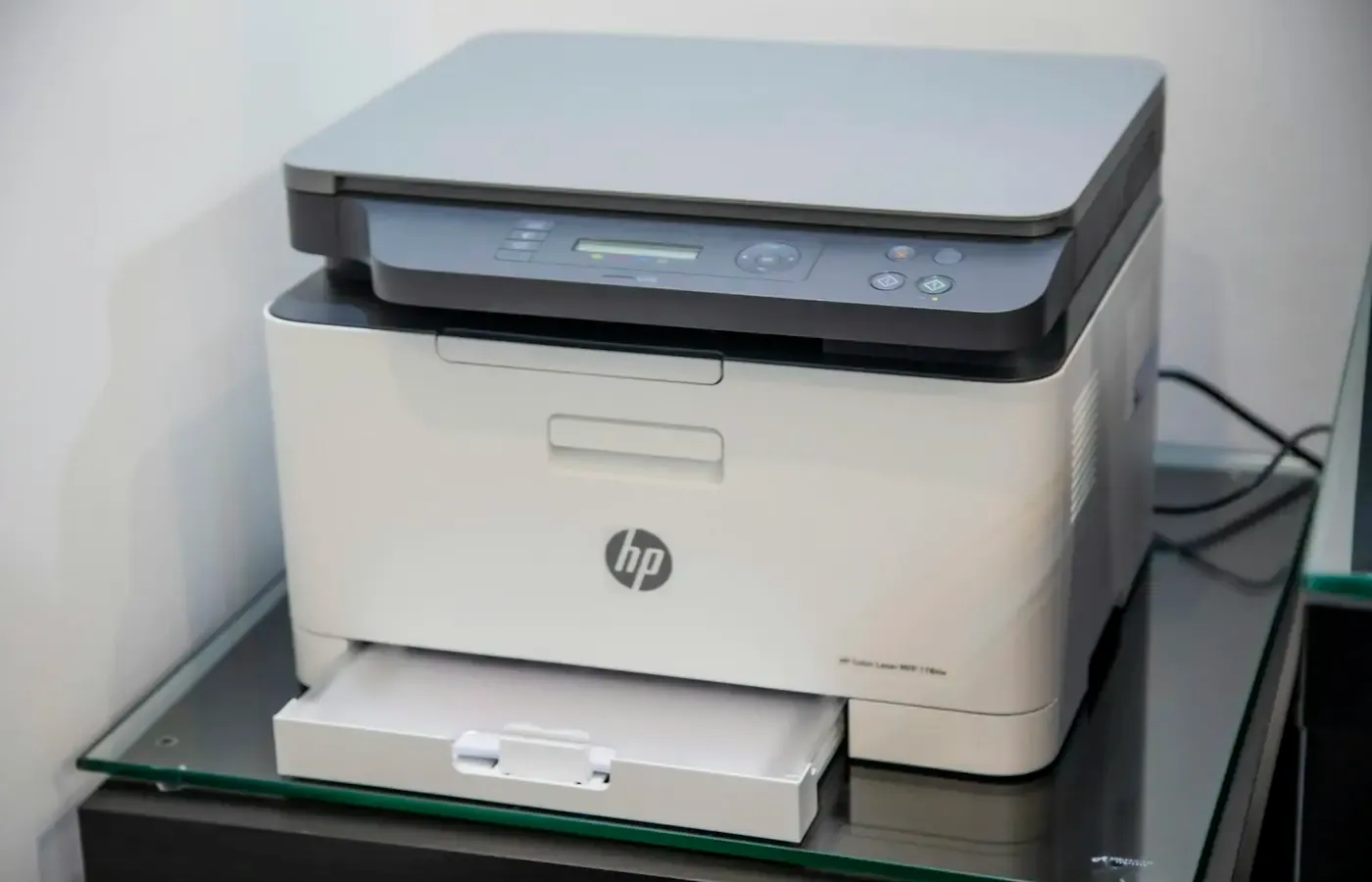
A printer subscription can make an ordinary household machine feel less like a product you own and more like a service you are temporarily allowed to use. Ink arrives when the printer reports it is running low; the monthly charge can be predictable; little attention is required—until you decide to cancel.
The important question is not simply whether the subscription stops. It is what remains usable afterwards: the printer, the cartridges already inside it, the scanner, the account features, and the practical ability to print a document when you need one.
For many owners, cancelling an ink plan should not make the physical printer useless. But subscription cartridges may be a different matter. The limited research available for this guide concerns HP Instant Ink, and third-party explainers consistently distinguish between the printer hardware and cartridges supplied under the service. They say that enrolled cartridges can stop working once the plan ends, while ordinary retail cartridges compatible with the printer can restore normal printing. CompAndSave’s explanation makes that distinction explicitly.
That is a useful starting point, not a universal rule for every printer brand, plan, country or model. The supplied research does not include current official provider terms, model manuals or market-specific cancellation pages. Before cancelling, treat the service’s own account pages and the manual for your exact printer as the controlling documents.
The printer and the subscription are not necessarily the same thing
A subscription can cover several different things: pages, ink or toner deliveries, app features, support, a rented printer, or some combination of them. Those details determine the consequences of leaving.
With a conventional ink subscription, you may own the printer but receive cartridges under a continuing service arrangement. In that case, ending the plan usually raises two separate questions:
- Will the printer still accept a non-subscription cartridge?
- What happens to the subscription cartridge already installed?
Those questions matter because an ink cartridge is not merely a container of coloured liquid. In subscription schemes it may be identified as part of the service. The research supplied for this article indicates that an HP Instant Ink cartridge can be disabled after cancellation even if it appears to contain ink. The practical implication is straightforward: do not calculate the value of your exit on the assumption that every remaining drop is yours to use.
That does not, by itself, mean a printer must be replaced. A compatible retail cartridge may allow it to work as a conventional printer again. But compatibility is specific to the model and cartridge family. A printer sold under a subscription offer may have several similarly named cartridge variants, regional versions or firmware requirements. Check the printer’s support materials rather than relying on a cartridge that looks similar on a shop shelf.
The distinction is even more important for plans that include the printer itself. Some arrangements may involve equipment lending or return obligations rather than a straightforward sale. Do not assume that an ink-plan cancellation and a hardware-plan cancellation have the same outcome. Read the plan name, account status and original order confirmation carefully.
What may change when the billing period ends
Cancellation is often not an immediate technical event. A third-party cancellation guide for HP Instant Ink says that service may continue until the end of the current billing period, with the plan’s normal allowances and potential extra-page charges applying until then. It also says automatic cartridge deliveries stop after cancellation. The guide is useful for identifying questions to ask, though its account should be checked against the official terms shown in your own account.
For a typical ink service, expect to investigate at least five changes.
Deliveries may stop
This is the most obvious change. If the service sent replacements automatically, it should no longer be your supply route after the plan ends. That means taking responsibility for monitoring ink levels and ordering compatible cartridges before an urgent school form, return label or travel document needs printing.
The best time to decide on replacement supplies is before the final service date, not when the printer reports an empty cartridge. You need not buy a large stockpile; ink can age and storage conditions matter. But identifying one compatible replacement gives you a workable exit route.
Page allowances may disappear
A plan based on pages rather than millilitres of ink can include monthly allowances or unused-page rollover. The supplied cancellation material says that unused and rollover pages may be forfeited when an Instant Ink plan ends. That should not be generalized to every subscription, but it is a reason to find out whether your balance has any value after cancellation before choosing the date.
Do not print unnecessary pages simply to “use up” an allowance. That turns a sunk cost into wasted paper, ink and time. If you have legitimate documents to print, timing them before the end date may be sensible; manufacturing a pile of unwanted pages is not.
The installed subscription cartridge may cease to print
This is the transition that catches people out. The third-party sources in the research package state that subscription cartridges may be disabled when the subscription ends, even where ink remains. Office Consumer’s overview similarly describes a difference between service-linked cartridges and standard retail supplies.
The key consumer consequence is to separate the printer’s condition from the cartridge’s status. A cartridge error after cancellation may indicate that the service cartridge is no longer usable under the plan; it does not automatically establish that the printer itself has failed.
Charges may still need settling
Removing a payment card is not necessarily the same as ending a contract. The supplied cancellation explainer warns that a valid outstanding balance can remain payable and that removing payment details may create a failed payment rather than a completed cancellation.
Use the cancellation route provided in the account. Then save the confirmation screen or email, note the final date, and inspect the next statement. This is unglamorous administration, but it is better than discovering months later that the plan was paused, payment failed or cancellation was never completed.
Other functions require model-specific confirmation
Printing, copying, scanning, mobile printing, cloud storage and app features are not one indivisible function. A printer may scan locally while an account-linked feature changes, or it may not. The research package does not contain manuals sufficient to establish which non-print functions remain available after cancellation for any particular model.
Do not assume that copying or scanning will remain unchanged, nor assume that they will disappear. Check the manual and the support page for the exact model, firmware version and programme in which it is enrolled.
Check the supplies before you cancel
The most useful preparation is also the least dramatic: establish what is currently in the printer.
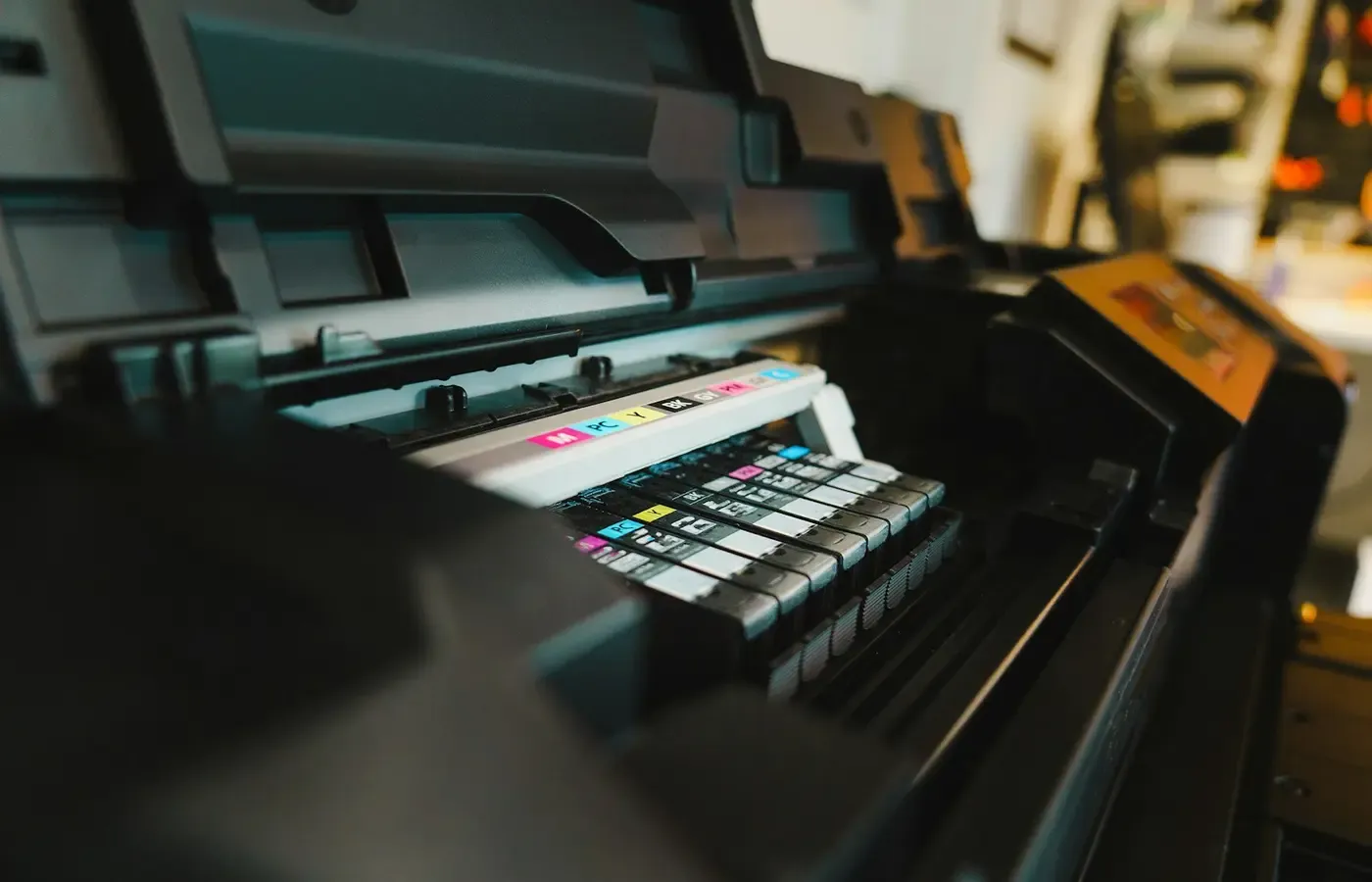
Open the printer’s ink or toner access area only as the manufacturer instructs. Read the cartridge label and compare it with the supplies listed in the printer documentation or on the service account. You are trying to identify whether the cartridge is:
- a subscription-supplied cartridge;
- a standard retail cartridge from the printer manufacturer;
- a compatible cartridge from another supplier; or
- an older cartridge whose origin is uncertain.
Then find the cartridge family your exact printer accepts. Do not infer it from the brand alone. Manufacturers often sell multiple lines that look broadly alike, and compatible supply lists can vary by region.
This check also makes the cost question more honest. A subscription may be convenient if your printing is erratic, if you regularly print colour pages, or if remembering supplies is a burden you would rather pay to avoid. Retail cartridges may suit a household that prints rarely, wants to buy only when needed, or prefers not to have a recurring account tied to a printer.
Neither arrangement is automatically cheaper. A meaningful comparison would need current local cartridge prices, rated yields, your typical mix of colour and monochrome pages, the plan fee, overage rules and the chance that ink dries out before use. None of that model- and market-specific evidence is present in the research package, so this guide cannot responsibly declare one approach the better bargain.
Cancel through the account, not by improvised workarounds
If you decide to leave, use the subscription provider’s official account-management process. Avoid advice promising to preserve access to service-linked cartridges through network resets, firmware changes or other workarounds. Such methods may breach terms, create support problems, or simply fail when the service checks the account again.
A cautious exit sequence looks like this:
- Identify the exact plan. Record its name, the printer model, the billing date and the cartridges installed.
- Read the cancellation terms displayed for your account. Look for the effective date, whether the plan continues to the end of a billing period, any balance due, and any return or equipment obligations.
- Check replacement compatibility. Confirm the retail cartridge or toner family accepted by the printer. If printing cannot wait, arrange a replacement supply before the service ends.
- Cancel through the official route. Do not treat removal of a payment method as proof of cancellation.
- Save evidence. Keep a screenshot, confirmation email, reference number and the stated final date.
- Check the machine after the change. If the subscription cartridge stops working, install a compatible non-subscription supply according to the manufacturer’s instructions, then print a simple test page.
There is no need to rush this sequence merely because you have grown tired of the monthly charge. If a plan remains useful for a few more weeks, keeping it until you have checked compatibility and replacement options can be less disruptive than cancelling first and troubleshooting later.
Judge the printer as a standalone appliance
Once the subscription is gone, reconsider the printer as you would any other household device. Does it still perform a job you genuinely have? Can you get supplies without unreasonable cost or delay? Is its scanner, paper handling and wireless setup reliable enough for your needs? Is it still receiving the support or security updates relevant to its connected features?
For some people, the answer will be to keep the printer and buy ordinary cartridges. That is the most direct path when the machine otherwise works well and the necessary cartridges are readily available.
For others, the better answer may be to keep the plan temporarily. If a household prints consistently, values automatic deliveries and has found the page allowance predictable, a subscription can be a reasonable exchange of control for convenience. It is worth staying only if you understand the terms and still regard that trade as fair.
There are also valid non-purchase options. If you print only a few documents a year, a local library, workplace, school, print shop or delivery service may be less burdensome than maintaining an inkjet that can sit unused. If the printer is unreliable, unsupported or costly to supply, replacing cartridges may be throwing money at a problem that is not really about ink.
And if a replacement printer eventually makes sense, do not let frustration with one subscription decide the whole purchase. Compare the new machine’s consumables, repair options, connectivity requirements, scanning needs and whether its useful functions depend on an account. The most satisfying printer is often not the one with the cleverest service model, but the one that remains adequate when your habits change.
A short checklist before renewal
Before the next subscription renewal, you should be able to answer these questions:
- What is the exact name of my plan, and when does its current billing period end?
- Do I own this printer outright, or does my agreement impose return or early-exit obligations?
- Are the installed cartridges subscription supplies or ordinary retail cartridges?
- Which non-subscription cartridge family does my exact model accept?
- What does my account say will happen to remaining pages, deliveries and any balance due?
- Have I saved the cancellation confirmation and final service date?
- If I need to print immediately after the plan ends, do I have a confirmed route to a compatible replacement cartridge?
- Have I checked the manual rather than assumed that scanning, copying or app features will be unaffected?
The bounded judgment is simple: cancelling an ink subscription need not end the useful life of a printer, but it may end the useful life of the cartridges supplied under that subscription. Treat the final billing date as a transition point, not as a reason to gamble on a last-minute print job. Confirm the service terms, identify your cartridge type and decide whether the printer still earns its place without the plan.
Sources & methodology
This guide uses the limited research package supplied for this article. It relies on third-party explainers for question discovery and narrow, attributed context about HP Instant Ink; it does not treat them as a substitute for current official terms, manuals or cancellation instructions.
- How to Cancel HP Instant Ink Subscription in 2026 — Subsweeper
- How to Use Instant Ink Cartridges After Cancellation? — CompAndSave
- Can I Use HP Instant Ink Printer Without a Subscription? — Office Consumer
Because no official provider documentation, specific printer manual, jurisdiction or current pricing evidence was included in the research package, the article does not make universal claims about cancellation timing, cartridge controls, non-print functions, return duties or relative costs. Readers should verify those details in the account and documentation for their own service and model before acting.