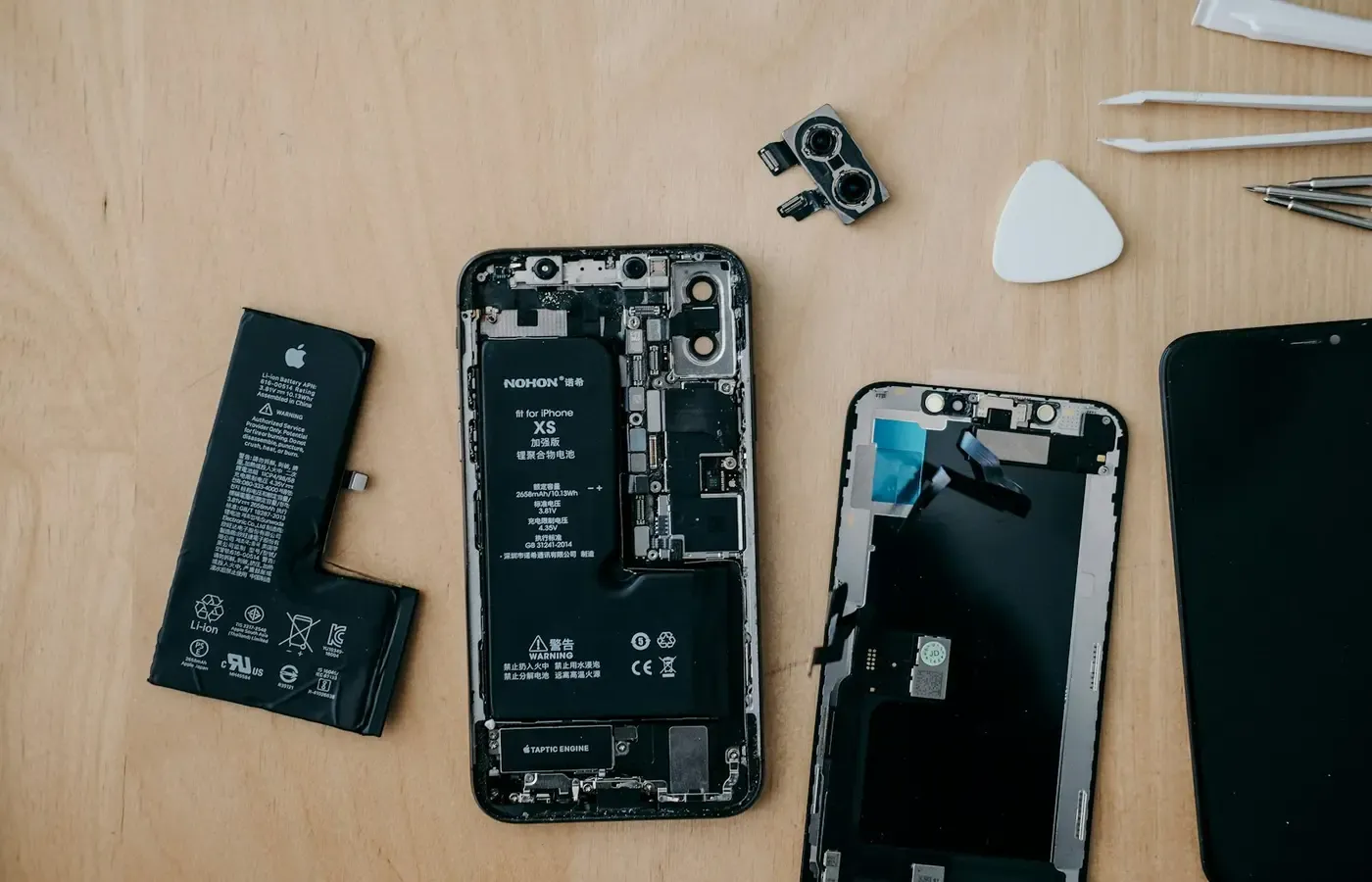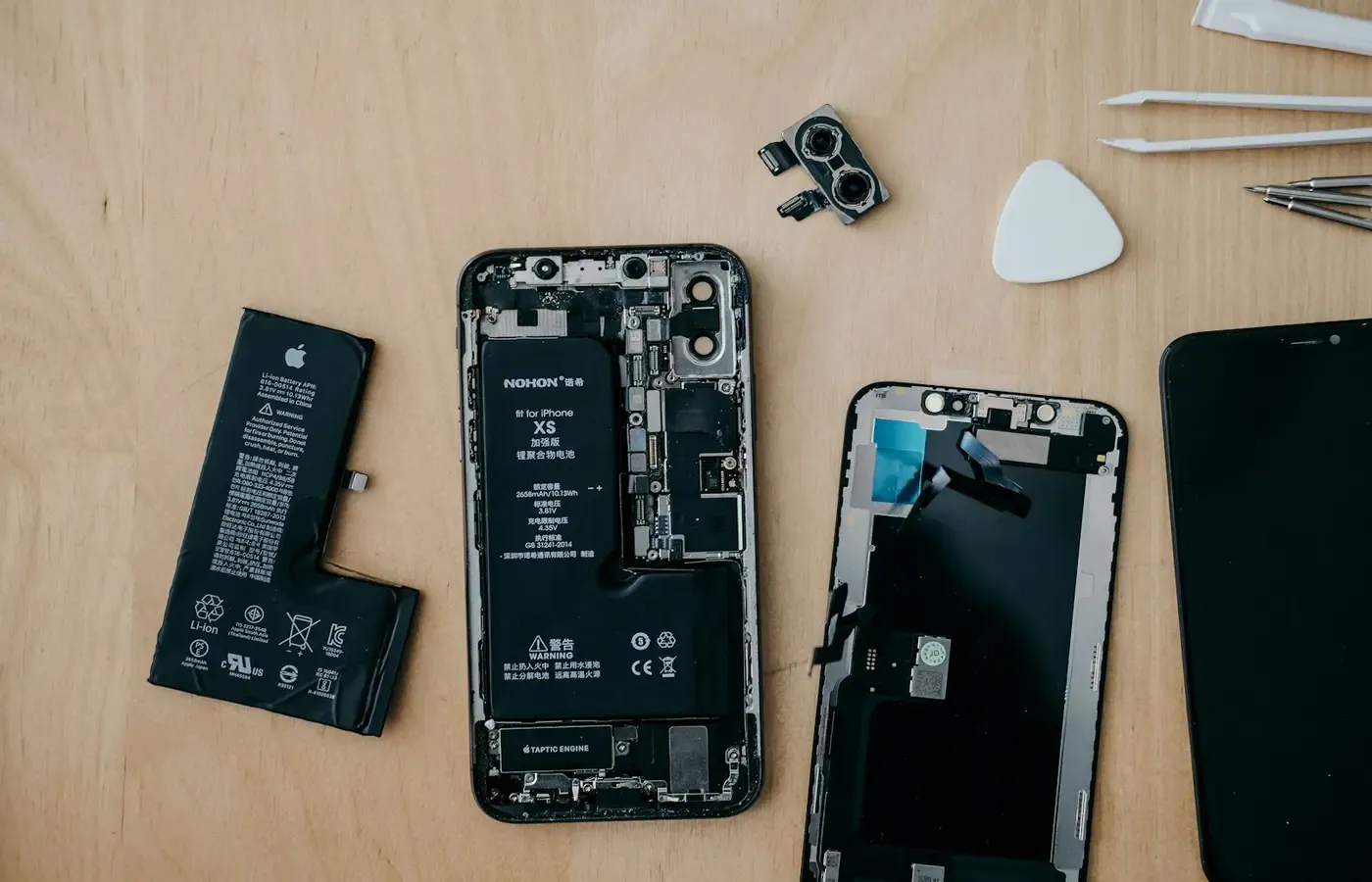
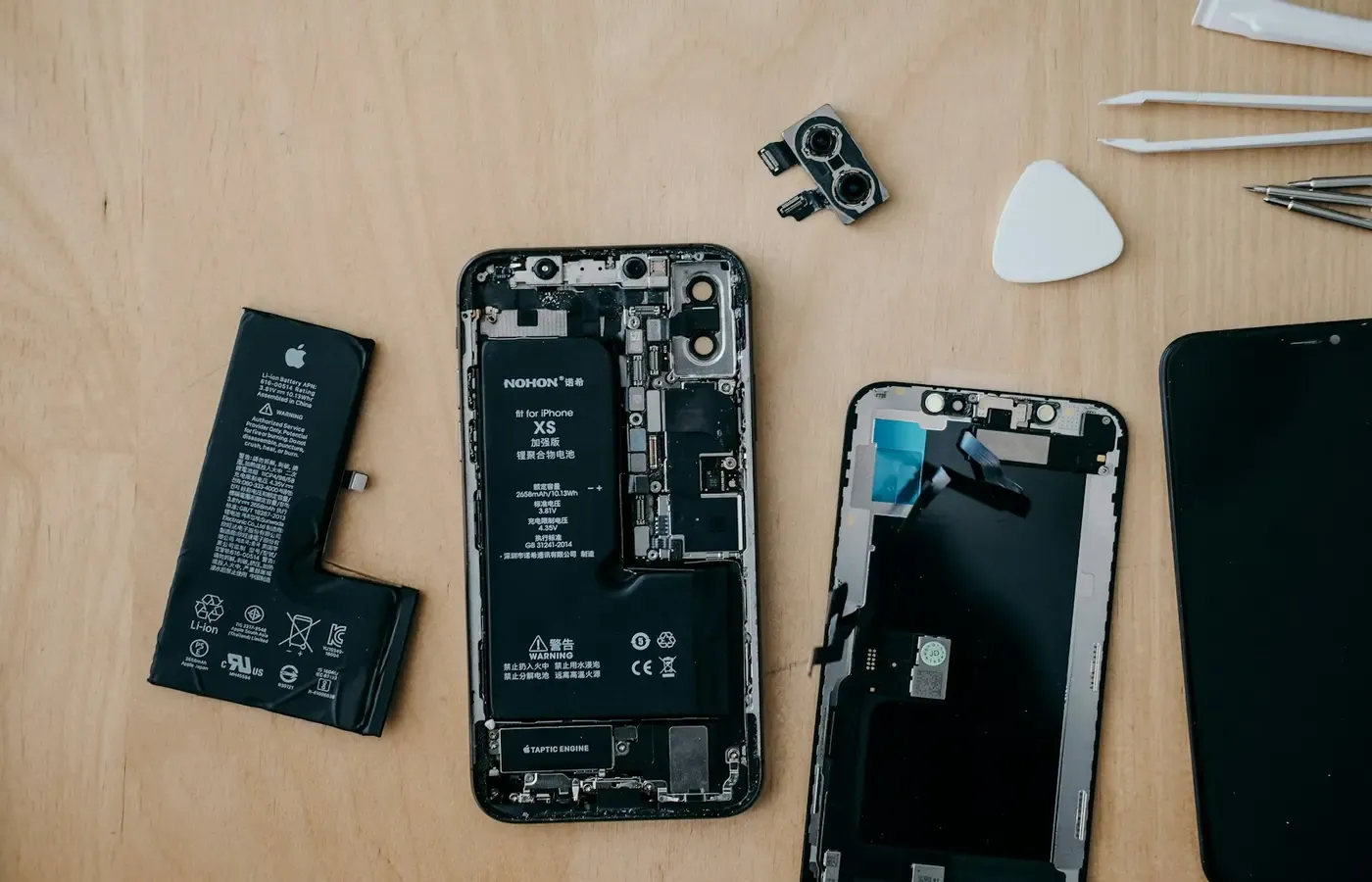
A cracked phone screen creates an unusually tempting kind of upgrade decision. The damage is visible every time you unlock the device; a new handset promises an immediate end to the irritation. But a broken display is often a repair problem, not evidence that the entire phone has reached the end of its useful life.
The better question is not whether a new phone would be nicer. It is whether a screen repair would return this phone to reliable service for long enough, at acceptable cost and inconvenience, to make sense against your real replacement options.
That requires more than comparing one repair price with a new phone’s headline price. The phone may have years of security support left, or only a short period. The crack may be cosmetic, or it may coincide with failed touch input, display faults or signs of a more substantial impact. And the repair channel can determine what parts are fitted, what work is tested, and what happens if something goes wrong afterwards.
Remote research cannot establish the condition of your phone’s frame, battery, internal connectors or existing liquid damage. A useful decision starts with an inspection and written terms for your exact model and market.
Start with the damage, not the upgrade cycle
A hairline crack that does not interfere with touch controls, visibility or normal use is different from a screen that sheds glass, has black patches, flickers, shows coloured lines or misses taps. Those latter symptoms do not prove a particular internal fault, but they make a repair assessment more urgent than browsing upgrade deals.
Look closely before deciding what you are dealing with:
- Are there sharp edges, loose fragments or cracks spreading around the display?
- Does every part of the touchscreen respond consistently?
- Is the image stable, readable and free of dark areas, flickering or lines?
- Does the frame appear bent, separated or unusually damaged around the screen?
- Has the phone been exposed to water since it was cracked?
- Are there other confirmed faults, such as unreliable charging, a failing camera, poor speaker output or an enclosure that no longer sits properly?
A crack alone does not tell you that a phone is unsafe, internally broken or ready for disposal. Equally, it should not be treated as merely cosmetic if the phone is difficult to operate, exposes loose material, or has symptoms beyond the glass.
If you notice battery swelling, unusual heat, separation in the enclosure or other signs that the damage may extend beyond the display, do not turn the repair decision into a home diagnosis. Seek a prompt assessment through the manufacturer or a qualified repair provider.
For a functioning phone with a small, stable crack, continuing to use it carefully for a while can be a legitimate option. Apply a screen protector only if it makes the surface safer and more usable; it will not restore a damaged display or seal the phone against moisture. Back up the device first. A crack can remain manageable, but it can also worsen after another drop.
Get two comparable quotes before applying any rule of thumb
There is no reliable universal rule saying that repair is worthwhile below a certain percentage of a replacement price. A repair that looks expensive beside a discounted new handset may still be sensible if the current phone meets your needs, has meaningful support left and avoids the cost and time of switching. A cheap repair may be poor value if it is only the first of several needed fixes.
Get at least two quotes where practical: one from the manufacturer or authorised service route, and one from a reputable independent repairer. They should describe the same job. Ask for a written quote that identifies:
- the exact phone model and display repair being offered;
- parts origin or grade, where the repairer will disclose it;
- labour, taxes, diagnostic charges, shipping and any additional service fees;
- whether the quote can change after inspection, and by how much;
- turnaround time and whether you will be without the device;
- the repair warranty and what it covers;
- the repairer’s handling of data, passcodes and device access; and
- exclusions for pre-existing damage, liquid exposure or frame damage.
Then compare that figure with a credible replacement route, not simply the retail price of the newest model. A replacement may mean a comparable used or refurbished phone, a lower-cost new model that meets the same needs, or keeping the current handset until a planned upgrade. Include storage capacity, condition, warranty, return terms, accessories, cases, chargers, financing obligations and the time needed to move accounts and data.
The comparison should be between two working arrangements: a repaired version of the phone you know, and a replacement that genuinely does the same job.
The repair channel changes what you are buying
A screen replacement is not a uniform service. The display itself, adhesives, seals, calibration procedures, tools, workmanship and post-repair testing can differ between providers. That does not make independent repair automatically inferior, nor manufacturer service automatically the best value. It means a low quote is not enough information.
For Samsung’s US repair service, for example, Samsung says it uses genuine Samsung parts and proprietary tools, calibrates software after repair, and tests features including water resistance. It also says repairs are covered for 90 days or the remainder of the device warranty, whichever is longer. Those are Samsung’s stated US service terms, not a general promise about every Samsung model, country or repair shop.
An independent repairer may be the more convenient, faster or less costly option. Before agreeing, ask specific questions rather than relying on labels such as “premium” or “OEM quality”:
Ask what part will be fitted
Request the part’s stated origin or grade in writing. If the shop cannot describe it, you cannot make a meaningful comparison with a quote using manufacturer-supplied parts.
The important consumer issue is not merely authenticity as a badge. It is whether the replacement performs properly for your needs: brightness and visibility, touch response, display colour, fingerprint or face-unlock behaviour where relevant, and reliability over the warranty period.
Ask what will be tested after the repair
A useful handover process checks the functions that matter to the repair. Ask whether the shop will test touch input across the screen, cameras, proximity sensors, charging, speakers, microphones and biometric features where applicable. Ask what happens if a fault is found after collection.
Do not assume that a screen repair will preserve every original function on every phone. Nor should you assume it will cause problems. The relevant evidence is the provider’s documented process, the specific device, and the warranty it will stand behind.
Treat self-repair as a separate decision
Some phones are substantially easier to open and service than others. iFixit’s smartphone repairability work is useful context here: access to parts, instructions and disassembly can vary greatly by device. A repairability score is not a prediction that your individual repair will succeed or fail, and it is not a substitute for the instructions and parts for your exact model.
Self-repair may suit someone comfortable with the tools, downtime and possibility of a mistake. For everyone else, its apparent saving should be weighed against the absence of a shop’s labour warranty and the potential cost of correcting a failed attempt.
Water resistance is something to verify, not assume
A phone’s original water-resistance rating describes the device under specified conditions when new. It is not a permanent promise that survives drops, wear, damage or every later repair.
A cracked screen may affect the phone’s enclosure, but its practical condition cannot be established from the crack alone. Likewise, it is too broad to say that any third-party repair permanently eliminates water resistance. What matters is the repair process and the provider’s written terms.
Samsung says its described US service process tests whether features such as water resistance are intact after repair. That is a useful reason to ask questions, but it should be read narrowly: it is Samsung’s account of its own service, rather than a universal guarantee of waterproof performance after any repair.
Before authorising work, ask the repairer:
- Is water-resistance testing performed after this repair?
- What kind of test is used?
- Is the result recorded on the repair paperwork?
- Does the warranty cover the sealing work or only the replacement display?
- Are there limitations caused by pre-existing frame damage or previous repair?
If the answer is unclear, behave conservatively after the repair. Avoid treating the phone as though it has a fresh, unconditional water-resistance guarantee. That is not alarmism; it is a sensible response to incomplete information about a seal that is difficult for an owner to inspect.
Count the useful life left after the screen is fixed
A screen repair buys value only if the phone still has a useful role after it is fixed. Software support should be central to that calculation, especially for a phone used for banking, work, authentication, travel or sensitive personal accounts.
Check the manufacturer’s current update commitment for your exact model, regional variant and installed software. Manufacturers’ support policies differ, and names that look similar can have different release dates and support periods. Do not rely on a generic claim about how long “phones” receive updates.
Then review the rest of the device honestly:
| Question | Why it matters to the repair decision |
|---|---|
| Does the phone still receive the updates you need? | A display repair has less value if the phone is approaching the end of official support for your essential use. |
| Is battery service already recommended or is battery life no longer workable? | A screen repair can still be sensible, but the likely battery cost belongs in the same plan. |
| Is charging reliable? | A confirmed port or cable-related issue may change the total repair bill. |
| Is storage routinely full? | A new screen will not resolve a phone that can no longer hold the apps, photos or offline files you need. |
| Are cameras, calls, speakers and network service dependable? | These are signs of whether the phone remains a practical daily device once the screen is fixed. |
| Has it had prior liquid or impact damage? | Existing faults and uncertain history can make a simple screen quote a less complete picture. |
This is not an argument that every older phone should be replaced. A supported phone with a healthy battery and no other meaningful faults can be a strong repair candidate. Conversely, a recent phone may be a poor repair candidate if its damage is broader than the display and the repairer cannot offer clear terms.
When replacement is the lower-friction choice
Replacement becomes more persuasive when you have evidence of cumulative problems rather than a vague feeling that the phone is old. Examples include confirmed multiple repairs, unavailable parts, a repair quote that leaves little room for the phone’s other needs, or software support that no longer fits the tasks you depend on.
Samsung says genuine Samsung parts are available for at least three years after a product ends production through its US support service. That statement is useful for Samsung owners assessing that route, but it should not be extended to other brands, markets or independent repair channels without their own documentation.
If you replace, do not assume new is the only sensible answer. A refurbished or used phone can be a lower-waste, lower-cost route if the seller is clear about condition, warranty, return rights, storage capacity and battery information where it is offered. It may also preserve accessories and familiar software if you remain within the same platform.
The less attractive route is replacing a cracked but otherwise suitable phone with a superficially cheap alternative that has less storage, weaker support, an uncertain battery or no meaningful return policy. That can turn a visible crack into a more expensive long-term compromise.
A decision card for the next step
Repair now when the phone remains supported for your needs, other functions are reliable, the quote is specific, and the repairer provides credible terms on parts, testing and warranty. This is particularly strong when the damage is confined to the display and a repaired phone would comfortably serve for another planned period.
Use it carefully for now when the crack is stable, the display and touch controls work properly, there are no signs of wider damage, and delaying the decision helps you save, gather quotes or wait for a better replacement option. Back up first, protect the surface where practical, and reassess if the crack spreads or function changes.
Replace instead when inspection reveals multiple confirmed faults, parts are unavailable, suitable repair terms are absent, official support no longer matches essential tasks, or a repair would merely postpone a more comprehensive problem.
Choose a used or refurbished replacement when a new handset is unnecessary but the current phone has too little useful support or too many repair needs. Compare condition and warranty, not just the advertised price.
The bounded judgment is simple: a cracked screen is usually worth investigating before it becomes an excuse to upgrade. Repair is best when it restores a supported, otherwise dependable phone under terms you can inspect. Replacement is best when the screen is only one part of a larger decline. And when the damage is minor and manageable, the most economical option may be to keep using what you already own until the evidence points more clearly in either direction.
Questions readers often ask
Is it worth repairing a cracked phone screen if the phone still works?
Often, yes—provided the display problem is limited, the phone still meets your needs, and it has enough remaining official support to justify the cost. Get a model-specific quote and check for other confirmed faults before deciding. A working phone with a small crack does not automatically need immediate replacement.
Will a screen replacement affect a phone’s water resistance?
It can depend on the device’s condition and the repair process. Do not assume an original water-resistance rating remains unchanged after damage or repair. Ask whether the repairer tests water resistance, how it documents that test, and what its warranty covers. Samsung says its described US service process tests water resistance after repair, but that statement does not apply automatically to other providers.
Does an independent screen repair void my phone warranty?
The answer depends on the phone, market, warranty terms and the nature of any later claim. Read the warranty documentation for your exact device and ask the repairer for its own written warranty. Do not rely on a blanket assurance from a shop or an online forum.
How much software support should a phone have left before I repair it?
There is no fixed number of months or years that suits every owner. What matters is whether the remaining support covers the period in which you expect to rely on the phone, especially for security-sensitive or work-critical tasks. Check the manufacturer’s current policy for your exact model before spending heavily on repair.
Sources & methodology
This guide uses the limited available research package and does not claim hands-on testing of any repair service. Samsung-specific statements about genuine parts, repair tools, post-repair testing, parts availability and warranty terms are drawn from Samsung Support US. General context on differences in smartphone repairability comes from iFixit’s smartphone repairability scores.
Because model-specific warranty terms, update commitments, parts availability and repair processes vary by manufacturer, market and device version, readers should verify those details with the relevant manufacturer and repair provider before authorising work.