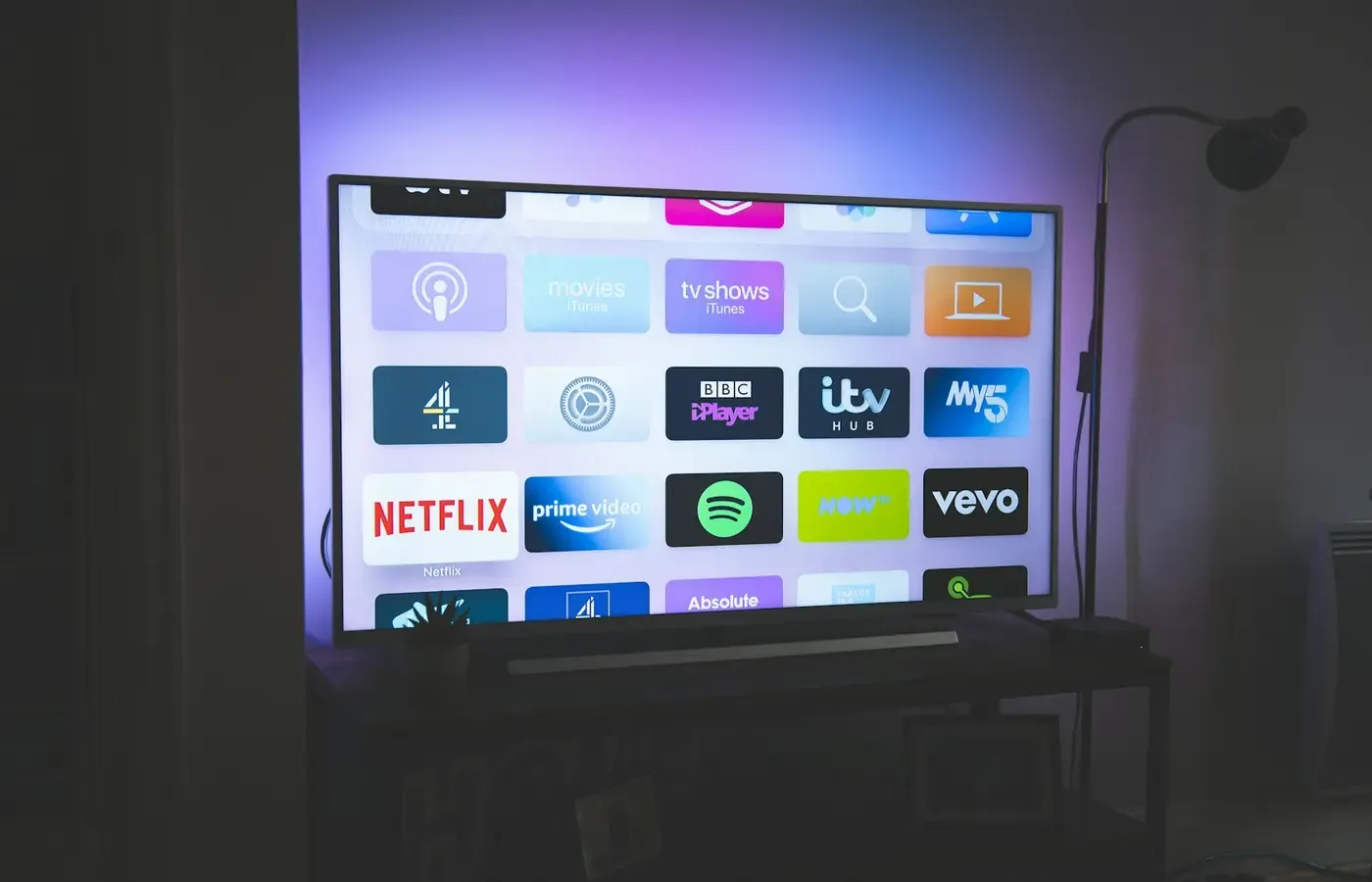
A television can become frustrating long before it becomes broken. An app vanishes, the home screen becomes slow, sign-in prompts recur, or a service announces that an older device will no longer be supported. The obvious response is often to replace the television.
That can be unnecessary. If the picture remains good, HDMI inputs work and the set still handles sound reliably, the weak point may be the small computer embedded in the television rather than the display itself. Adding an external streaming player can move app playback to a newer device while keeping a working screen in service.
But this is not a universal repair. A streaming stick or box creates a separate playback layer; it does not revive a failing panel, mend an unreliable HDMI port, solve a service outage or remove account and subscription restrictions. It also starts another support cycle, with its own software, account setup, power connection and eventual obsolescence.
The useful question is not whether an external player is inherently better than a smart TV. It is whether your television is still a satisfactory display and whether a separately supported player can reliably do the particular jobs its built-in software no longer does.
First, separate the screen from the computer running the apps
A smart TV is two products sharing one enclosure. There is a display, with its panel, speakers and physical connections. Then there is the computing hardware and operating system that run apps, connect to Wi-Fi and receive software updates.
The distinction matters because those components do not necessarily age at the same pace. In its explanation of why iPlayer may disappear from a television device, the BBC puts it plainly: the problem may not be the screen, but the “computer” that runs the app. That computer can live inside the TV, a set-top box or an external streaming device plugged into an HDMI port. Older computers can struggle to keep up with app changes and security improvements even when the television picture remains clear. The BBC’s device-support guidance is specific to iPlayer, but the underlying separation is useful when diagnosing many app problems.
Treating a TV as a display can therefore be an exit from its aging smart platform, rather than a declaration that the entire appliance has reached the end of its life. Connect a newer player through HDMI and the television’s role becomes simpler: show the image, pass through or play the sound, and accept commands to select the relevant input.
That is why an app withdrawal can be less consequential than it first appears. As E/CONSUMER has previously examined, an app can disappear while the television, receiver, soundbar or disc player continues to perform its physical function. The causes can also differ: the service may stop supporting an operating system, the manufacturer may retire an online feature, or the restriction may relate to an account, subscription plan or viewing rights. Those separate failure modes matter because they do not all have the same remedy.
Symptoms that point to the platform — and those that do not
Before buying anything, establish whether the problem follows the built-in smart system or the television’s basic hardware. A few simple comparisons are often more useful than repeatedly restarting an app.
Signs that an external player may be relevant
An external player is worth investigating when the television behaves normally as a display but its software environment is the source of friction. That may include:
- One or more required apps are no longer available, will not update or display a support message.
- The TV’s smart interface is slow or unresponsive, while content from an HDMI-connected source displays normally.
- The television reports that its software is current, but an app requires a newer version than the set can receive.
- A service’s support information names device, operating-system or app-version requirements that the TV cannot meet.
- The household already watches most content through a games console, set-top box or disc player, suggesting the screen itself remains useful independently of its own app launcher.
These are not guarantees that a new player will work. They simply point the investigation toward the playback platform rather than the panel.
The BBC’s iPlayer guidance provides a useful example of the difference between a service requirement and an outright hardware failure. It says that continued support on certain Chromecast/Google TV devices depends on updating to the latest available app version through the Google Play Store. That is a software and support issue, not evidence that every older TV or external player is compatible with every service. Check the exact device page for each service you actually use.
Signs that a box will probably not address the real fault
An external player cannot make a damaged display healthy. Investigate repair, replacement or the rest of the signal chain instead if the issue includes persistent lines, patches, flickering, dead areas of the panel, unreliable power-up, distorted sound, or HDMI inputs that fail with more than one known-working source and cable.
Nor should you assume that all login failures originate with the TV. An app may require a subscription tier, a particular account setting, a regional entitlement or a rights-approved device. A streaming player may present the same block more quickly and clearly, but it cannot override the service’s terms.
Wi-Fi also deserves separate attention. If multiple devices in the home lose connection, buffer or cannot complete sign-in, changing the player may merely add another device to the same network problem. Conversely, if the TV works well from an HDMI source but only its own app menus are troublesome, that is stronger evidence for bypassing the built-in platform.
What a separate player can restore
An external streaming device changes which computer runs the apps. The TV still receives a video signal over HDMI, but the player handles its own app store, software updates, user interface and, usually, account sign-in.
That can be a modest but meaningful intervention. It may restore access to a service that supports the specific external device but no longer supports the TV’s built-in platform. It may also allow you to stop using a sluggish TV home screen entirely: select the relevant HDMI input and leave the TV’s smart software in the background.
The benefit is not that external players are permanently supported or universally compatible. They are computers too. The same BBC guidance that distinguishes a screen from the computer inside it also explains why devices eventually fall behind app and security changes. A new streaming player postpones that particular support problem; it does not abolish it.
App availability remains service-specific. A device can support one service and not another, or require an app update that is unavailable on an older version. Availability may also vary by market and can change after purchase. This is why brand-level assumptions are poor protection. “Works with streaming apps” is not the same as “supports the three services this household uses, with this account, in this country, at the quality we expect.”
The same caution applies to picture and sound. An external device cannot compensate for a panel defect. It may also be constrained by the television’s ports and capabilities, the HDMI cable and the service’s own playback rules. If a particular display format or audio arrangement matters to you, verify the entire chain rather than assuming the newest component determines the outcome.
Verify the whole playback chain before buying
A short audit can prevent the familiar disappointment of replacing one unsupported device with another that fails for a different reason. Write down what the household actually needs, not every logo shown on a retailer’s product page.
| Check | Why it matters | What to verify |
|---|---|---|
| Television model | Similar-looking sets can have different inputs and software | The model identifier, available working HDMI input and remote/input-selection method |
| Required services | Support is decided by each service, not by a device category | The service’s support page for the exact player, app version and market |
| Accounts and plans | Playback can be limited independently of hardware | Which account is used, whether a subscription is active and whether household members can sign in |
| Network | The player needs its own reliable connection | Wi-Fi coverage at the TV location or an appropriate wired option, if relevant |
| Picture and sound needs | The chain is only as compatible as its components | The particular resolution, display and audio features that matter to you |
| Day-to-day operation | A working solution still has to be usable | Power arrangement, remote control, accessibility needs and how easily the HDMI input can be selected |
Start with the television label or settings page and record the exact model. Then list the services that matter in ordinary weeks. A rarely used app is not a reason to redesign the setup; a public broadcaster, sports subscription or accessibility service used every evening may be.
For each service, use its own supported-device documentation. The BBC’s page is a good illustration of why this matters: support is described in relation to particular devices and app versions, not as a permanent property of every product carrying a familiar platform name. E/CONSUMER’s guide to lost streaming-app support also sets out why app withdrawal, account requirements, device requirements and rights restrictions should not be treated as one generic “TV app problem.”
If you are buying from a retailer with a workable returns process, retain the packaging until the actual household accounts and essential services have been checked. That is not a substitute for research, but it recognises a limit of specification lists: a device can connect successfully and still prove unsuitable for the people expected to use it.
Count the new friction as well as the saved television
Keeping a functional display can avoid the disruption of removing, choosing and setting up a replacement TV. It can also preserve a screen whose size, viewing position and picture remain right for the room. In that situation, changing only the unsupported playback layer is a proportionate response.
Still, the new layer has costs beyond the purchase itself. It needs power, an HDMI connection and a network connection. It may introduce another remote, although some arrangements can reduce remote switching. It will normally require a device account or user setup, app updates and new privacy settings to review. If other people use the television, the method for selecting the HDMI input must be simple enough to be routine rather than a recurring household support request.
There is also no escaping the longer ownership cycle. The external player will itself age, and the services it runs can alter their requirements. The point is not to find a device that never needs replacing. It is to avoid discarding a still-useful display merely because the computer embedded within it has become the limiting part.
For some homes, the least troublesome answer is simply to keep the built-in system until a genuinely necessary app stops working. For others, a separate player adds too much complexity relative to occasional viewing. These are valid outcomes, especially where a set-top box, games console or antenna feed already covers most viewing.
A bounded decision
Add an external streaming player when: the television delivers a reliable picture and sound from HDMI sources; at least one HDMI input works dependably; and the exact device has been verified for the services, accounts and market that matter to you. Think of it as replacing the TV’s app computer, not upgrading every part of the viewing experience.
Keep the TV as it is when: the built-in apps still meet your needs, the inconvenience is occasional, or another existing device already provides the missing service. Avoid creating a second interface and account layer just because an upgrade is available.
Investigate repair or replacement when: image faults, unstable power, sound problems or unreliable inputs affect normal viewing; the TV cannot reliably display a known-working HDMI source; or the added-player arrangement would be too awkward for the people who use it. In those cases, app support is not the central constraint.
A smart TV’s software may have a shorter useful life than its screen. That does not make the television worthless, nor does it make a streaming box an automatic answer. The sensible move is narrower: identify the failed layer, verify a supported alternative for the services you use, and keep the display only for as long as it continues to do its own job well.
Sources & methodology
This analysis distinguishes support policies from hardware condition. It does not rely on first-hand testing of televisions or streaming devices, and it does not make claims about the comparative support duration, price, performance or availability of particular models.
- BBC iPlayer Help: “Why has iPlayer been removed from my TV device?” was used for the screen-versus-app-computer distinction and as an example of service-specific device and app-version support.
- E/CONSUMER: “When a Streaming Device Loses App Support, What Still Works?” was used for context on the different mechanisms behind lost app access and the possibility of preserving functioning hardware by changing the playback layer.
Service support, account conditions and app versions can change. Before buying, consult the relevant service’s current support information for the exact device and market.