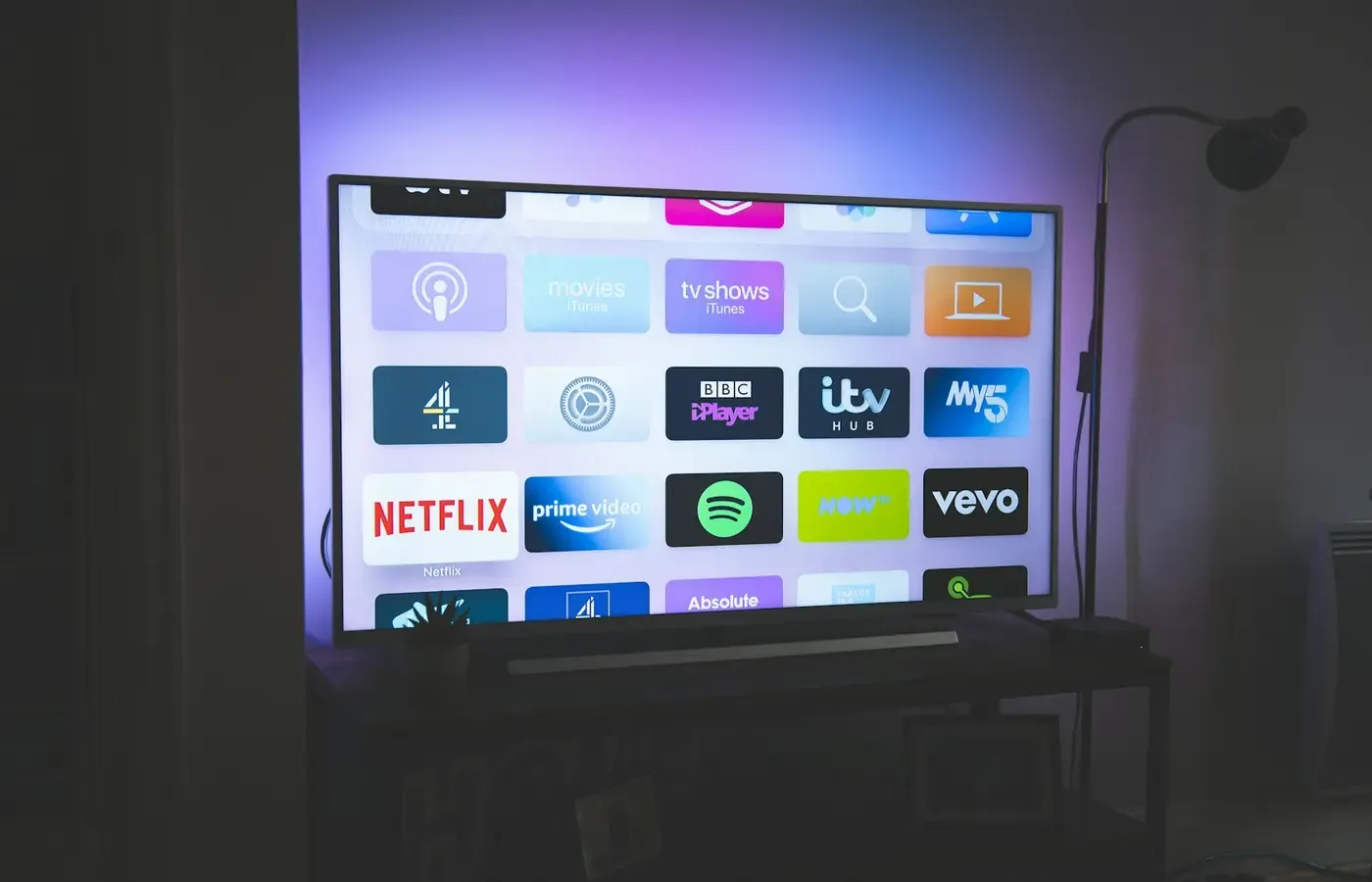
A streaming app can disappear while the television, receiver, soundbar, or disc player continues to do its physical job. That distinction matters because the obvious response—replace the whole device—may be more expensive, wasteful, and disruptive than adding a new playback layer.
Support can end in several ways. An app may stop updating on an older operating system. A service may withdraw support for a particular model. A manufacturer may close a network service. Or playback may be blocked by an account, subscription plan, device requirement, or rights restriction. These events can look similar on screen but demand different remedies.
The useful question is not simply, “Does this device still support Netflix?” It is: which layer has failed, what remains useful, and how easily can you leave this platform?
Support ending is not the same as hardware breaking
A connected entertainment product is usually several things at once:
- physical hardware such as a display, amplifier, speakers, disc drive, ports, and remote;
- system software that operates the product;
- individual apps supplied by services or a platform owner;
- remote services that authenticate accounts, deliver catalogues, or enable casting;
- content rights and subscription rules that determine what can actually play.
An app disappearing affects only one of these layers—at least in principle. If the screen still displays an HDMI source, a receiver still drives speakers, or a Blu-ray player still reads discs, the core hardware may remain useful even though its built-in online features have aged out.
A current example illustrates the separation. According to Pocket-lint’s report on Sony’s network-service shutdown, Sony has scheduled the end of specified network services for November 17, 2026, across a named group of older products. The report covers AV receivers, Blu-ray players, home-theater systems, soundbars, wireless speakers, and media players. It says services including Spotify, Netflix, and Google Cast will be removed from the affected products, with associated icons disappearing from menus from November 18.
The important point is not that every Sony product will become useless, nor that all streaming hardware follows the same timetable. It is that a scheduled network shutdown can remove an online function without physically disabling the product. The date and affected model list should be checked against Sony’s own support notice before acting, particularly because regional lists may differ.
A service shutdown is also not the same as a broken internet connection. Nor is an unsupported app necessarily evidence that the processor, display, speakers, or disc mechanism has failed. Diagnose the layer before you replace the object.
Four ways streaming access can disappear
1. The app stops being maintained on the device
A television or player may still run its operating system while a particular app no longer receives compatible updates. In that case, the app may remain visible but fail to open, show an error, or stop playing newer content.
Older software is one possible explanation, but it should not be assumed without model-specific documentation. An app provider may support some versions of an operating system and not others. It may also change its technical or account requirements. Impressive Magazine’s overview of unsupported TV apps describes this distinction: the app layer can age out even when the television itself still works.
2. The service withdraws support for a model or platform
This is a decision by the service rather than necessarily a failure by the manufacturer. The provider may publish a compatibility list, display a notice inside the app, or simply leave an older device behind as its service changes.
The practical remedy depends on the notice. If the service still supports an external device connected through HDMI, the television may have years of useful life left. If the service requires an account or plan feature unavailable on the older platform, changing the device may solve the problem—but only after confirming that the account and subscription are otherwise in order.
3. The manufacturer closes a network service
Some products depend on the manufacturer’s servers for built-in services, discovery, casting, or menus. If those servers are shut down, the product may lose a function even if its hardware and local software remain intact.
The reported Sony case belongs in this category. It should be treated as a Sony-specific, scheduled example, not proof that every connected home-entertainment product has the same support policy. A manufacturer’s support notice is the relevant document for the exact model and market.
4. The account, plan, or playback permission is the obstacle
An app can be installed and operational while playback remains unavailable because the account is signed out, the subscription tier does not include the requested feature, or the service has imposed a device-specific restriction. A network failure can produce a similar symptom.
Digital rights controls and playback protections can also matter, but they should not be used as a catch-all explanation. Without technical documentation for the named service and model, it is not possible to say whether a particular failure is caused by DRM, encryption, processing capability, or another compatibility issue. The first step is to read the service’s device-support message rather than infer the cause from the age of the product.
What may still work after an app is gone?
Make an inventory before shopping. The answer depends on the product category and the exact failed feature, but check for the following.
Physical playback and local functions
A Blu-ray player may still play discs. A receiver may still switch inputs and amplify audio. A soundbar may still accept an optical or HDMI connection. A wireless speaker may continue to work through a supported local connection, though its available functions must be confirmed in the manual.
These are not guaranteed capabilities of every affected model. They are questions to investigate. A device’s value is often broader than its built-in streaming menu.
Inputs and outputs
Look for HDMI, optical audio, analogue audio, USB, antenna, or other connections listed in the model’s manual. An available input can allow a separate streaming device, game console, computer, disc player, or set-top box to supply the video or audio.
Compatibility still needs checking. A port may not support every video resolution, audio format, control feature, or copy-protection arrangement. The practical test is not merely “Does it have HDMI?” but “Does this source work with this display or receiver in the way I need?”
Casting and connected sources
Casting may survive or fail independently of a built-in app. A product might lose a manufacturer-supported service while continuing to accept another source, or it might lose the server-dependent function altogether. Do not assume that the presence of a casting logo guarantees continued operation; check the model’s current support information.
The device’s original core job
Ask what you bought the product to do before it became a streaming endpoint. Does the receiver still make your speakers useful? Does the television remain a good screen for an external source? Does the disc player still perform a collection-based or offline role?
If yes, the product has not necessarily become obsolete. It may have lost convenience rather than purpose.
The least wasteful replacement may be a new playback layer
When a smart-TV app ages out, the most proportionate fix is often to keep the screen and add a supported external streamer. That does not make an external device automatically better. It changes where the software and account relationship live.
Before choosing this route, check:
- whether the television or receiver has a suitable input;
- whether the external device supports the required services in your country;
- whether the audio path supports the formats you use;
- whether the remote-control arrangement is acceptable;
- whether the device requires a separate account or subscription;
- whether the manufacturer still provides current software and security support;
- whether the arrangement will work when the television is connected through a receiver or soundbar;
- what happens if the new device loses app support later.
This approach can preserve a functioning display or sound system, but it adds another box, power supply, remote, account, and possible point of failure. It may also introduce new privacy and maintenance questions. The advantage is modularity: when the playback layer ages, you may be able to replace that layer without discarding the rest.
Replacing the whole television makes more sense when the screen itself is failing, the available inputs cannot support the intended setup, the device’s picture or sound no longer suits the room, or the cost and hassle of adding a source outweigh the value of keeping it. The supplied evidence does not establish prices, performance differences, or expected lifespans, so this is a model- and household-specific decision rather than a universal rule.
When keeping, buying used, repairing, or walking away makes sense
Keep it when the core job remains useful
Keep a device when the lost service is a secondary feature and its primary function still meets your needs. The reported Sony example supports this narrow conclusion: network services may end while the affected hardware continues to operate. It does not prove that every model remains economical, secure, or convenient to use.
A keep decision should include one practical question: what would you lose if the network connection disappeared tomorrow? If the answer is only a built-in app you can replace externally, the device may still deserve a place in the system.
Consider used equipment for offline or standards-based roles
Used buying is easier to justify when the product’s value does not depend heavily on a manufacturer’s server. A disc player, amplifier, passive speaker, or display with useful standard inputs may be less exposed to account and service changes than a product whose main purpose is a proprietary online platform.
That is a principle, not a guarantee. Before buying used, identify the exact model and market, check whether required apps still support it, inspect the available ports, ask whether the remote and power supply are included, and look for the manufacturer’s manuals and support notices. The absence of current support information is itself a reason to be cautious.
Repair physical faults, not disappearing services
Repair is relevant when the problem is a failed port, power supply, disc mechanism, display component, or other physical part that can be diagnosed and serviced. Repair cannot restore a remote service that the manufacturer or provider has deliberately withdrawn.
Whether repair is sensible depends on parts, labour, safety, documentation, and the value of the remaining functions. Those details require model-specific repair and service information; they cannot be inferred from an app-support notice.
Walk away when online dependence is the product
Avoid or replace a device when its main value depends on a service that is not clearly supported, cannot be used without an account you do not want, or offers no practical offline or external-input fallback. Convenience is valuable, but convenience tied to an unpromised server is not the same as durable ownership.
A no-purchase decision can be the strongest option when the product’s essential feature is temporary access rather than a lasting capability.
A support-date checklist before you buy or keep one
Use this decision card for a current device or a used one:
- Identify the exact model, region, and software version. Product families often contain materially different variants.
- Find the manufacturer’s support notice or manual. Look for service shutdowns, app availability, input specifications, and account requirements.
- Check the service provider’s own compatibility information. Separate an unsupported app from a sign-in, subscription, connectivity, or regional problem.
- List the device’s remaining jobs. Include discs, local files, audio amplification, speakers, display use, casting, and physical inputs.
- Test the fallback path. Confirm that a proposed external source works with the actual television, receiver, soundbar, cables, and remote arrangement.
- Record the exit cost. Note which accessories, accounts, subscriptions, and settings would need to change if the device or service disappeared.
- Decide what you are buying: hardware or access. The more a product’s value depends on a remote service, the more important its support policy becomes.
Sources & methodology
This analysis uses the supplied reporting from Pocket-lint for the scheduled Sony network-service example and Impressive Magazine for the distinction between an app-platform problem and television hardware.
The Sony shutdown date and affected-product scope are reported as scheduled, not as a completed event, and should be checked against Sony’s exact support notice before publication or purchase. The available research did not include manufacturer manuals, primary support bulletins, privacy policies, DRM documentation, repair records, security-update commitments, prices, or model-by-model compatibility tables. Accordingly, this article does not claim a universal support lifespan, guaranteed external-device compatibility, repairability, security status, or financial saving for any particular product.
The bounded judgment is simple: an app can die before a device does. Diagnose what disappeared, preserve the functions that remain, and add or replace only the layer that no longer performs the job.