A television is usually bought as a long-term household fixture. Its screen, speakers and HDMI ports may remain perfectly adequate for years. But the software that makes it “smart” has a different clock.
That matters because a modern TV is not simply a display with a few optional apps. Its operating system determines which app store it can access, how it handles accounts and updates, and whether the services your household uses remain available. A TV can therefore be physically sound while becoming less useful as a streaming device.
The sensible response is not to avoid smart TVs; in many markets, they are now difficult to avoid. It is to treat built-in apps as a time-limited convenience rather than the permanent reason to choose one set over another. Before buying, establish what the manufacturer actually promises for the specific model and country, check that your essential services are available today, and decide whether you want a separate streaming device to provide an upgrade path later.
The available evidence on support terms is uneven. It includes UK and Australian consumer reporting, US-oriented guidance and a Canadian manufacturer announcement. It does not provide a complete, current, model-by-model support database or establish how long every streaming app will work on every TV. That limitation is itself useful: if a seller cannot show you the support terms for the model in front of you, do not fill in the blanks with a brand reputation.
A television can outlast the software inside it
The smart part of a TV is a combination of operating system, app store, firmware and network-connected services. These components are related, but they do not necessarily age or receive attention together.
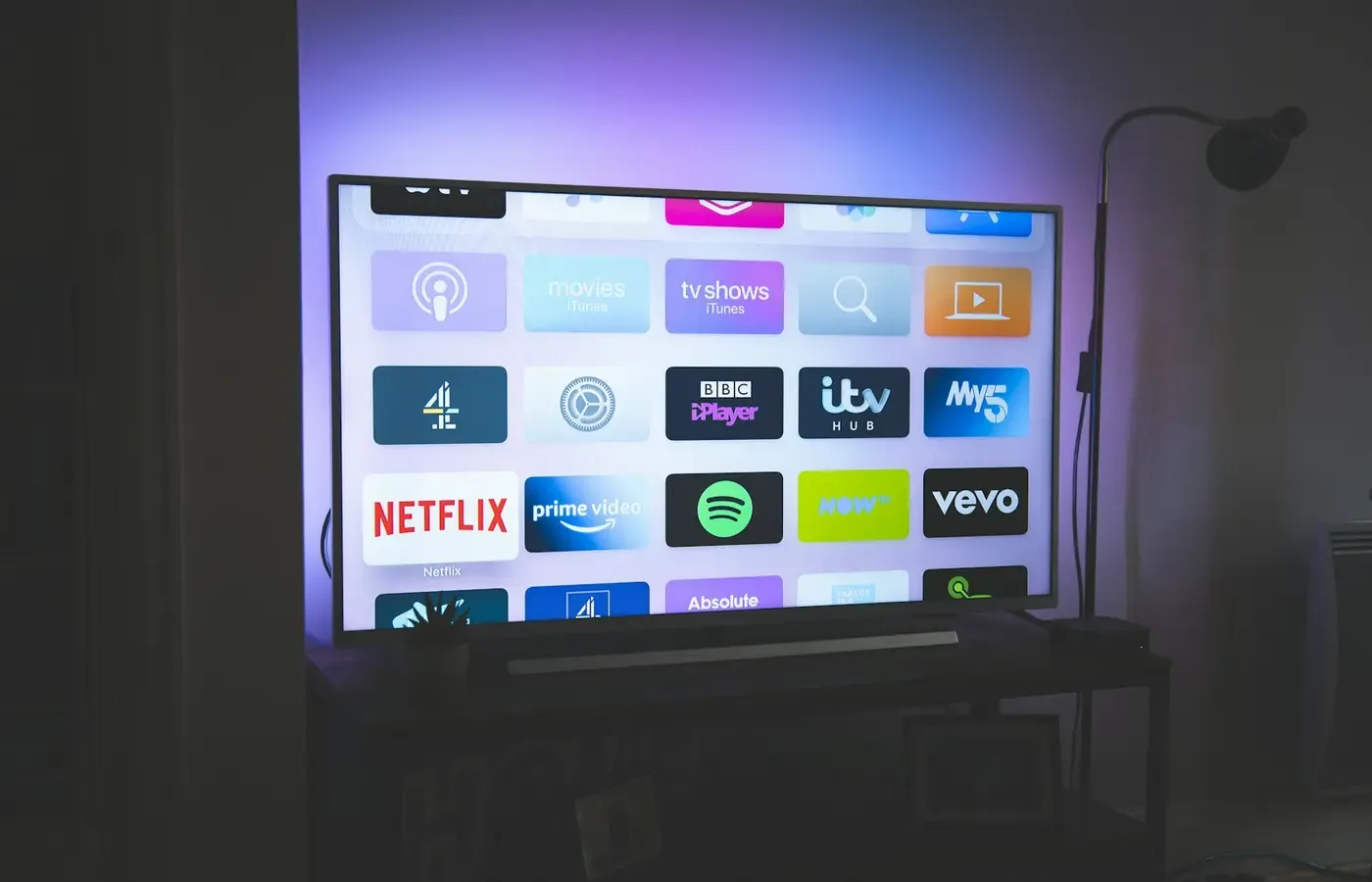
Australian consumer organisation CHOICE explains that a television’s operating system controls access to content through its app store. In practical terms, the panel may still show an excellent picture from a game console or Blu-ray player even after an older app version no longer works, disappears from the store, or is no longer supported by its developer.
That distinction is easy to miss at the shop. The home screen is visible; the support horizon rarely is. Yet it changes the value of a purchase. A buyer paying extra for a particular integrated interface is buying both a display and a service platform, with different useful lives.
UK consumer publication Which? has reported on differences between manufacturers’ stated security-update policies, while noting that many people keep televisions for seven to 10 years. Its reporting is a useful prompt, not a universal league table: policies can vary by market, product line and the date from which a company starts counting support.
Do not read this as a prediction that a TV will become unusable when updates end. A set may remain a capable screen for external devices, broadcast reception or offline media. The consumer problem is narrower, but important: the all-in-one experience you bought may not last as long as the hardware.
“Updates” are not one promise
Manufacturers and retailers often use the word “updates” without saying what kind. Ask for precision. Four different things may be involved.
| Type of update | What it can affect | What it does not guarantee |
|---|---|---|
| Firmware update | Core television functions, picture processing and compatibility with connected equipment | Continued availability of streaming apps |
| Operating-system update | Interface, settings and platform features | Security patches for a defined period |
| Security update | Fixes for identified software vulnerabilities | New features or an updated app catalogue |
| App update or compatibility support | Whether an individual service still runs on a platform | A broader TV software-support commitment |
Wirecutter’s overview of smart TVs describes firmware as permanent software that controls core TV functions. It notes that updates can address compatibility issues involving equipment such as Blu-ray players, A/V receivers and streaming boxes, and may improve performance. This is a good reason to keep a TV updated while it is supported. It is not evidence that every manufacturer will support every model for the same period.
Security support is another category again. A security patch is intended to address a vulnerability, not necessarily to refresh the home screen or add a new streaming service. Conversely, an app catalogue can change even while the TV itself continues receiving firmware updates, because the streaming provider and platform operator make their own compatibility decisions.
The research available here does not establish a common industry definition of an “update.” That means a claim such as “eight years of updates” needs follow-up questions: eight years from manufacture, launch, sale or activation? Does it cover security patches, feature updates, or both? Does it apply to the exact operating system and model being sold in your country?
VIDAA, the platform used on some Hisense and other televisions, provides a useful example of why wording matters. A UK Hisense page describes an up to eight-year update policy. A Hisense Canada announcement dated February 19, 2025 similarly describes up to eight years of software updates for Canadian consumers. These are company statements about the platform, not independent proof that every eligible television receives every kind of update for eight years. The words “up to,” territory and product eligibility deserve attention.
What to verify before choosing a platform
A television review can help assess picture quality, sound and usability. It cannot substitute for checking the support position of the exact set you are considering. Model numbers, operating systems and market variants matter.
Before purchase, work through this short list.
Identify the actual operating system
Do not rely on a brand name alone. Manufacturers may use different platforms across ranges, territories or years. Find the model’s product page, manual or on-screen specifications and write down the operating system.
This determines the app store and the services that can be installed. As CHOICE notes, platform choice affects the content available to you. A retailer’s demonstration model may also have a different regional configuration from the set you will receive.
Ask when the support period starts
If a company publishes a duration, determine its starting point. “From launch” can leave less remaining support for a model that has sat in warehouses or remained on sale for several years. “From purchase” is clearer for the buyer, but should still be documented rather than assumed.
Look for a policy that identifies the model family, country, duration and update scope. If a policy only refers to a platform in general terms, ask the seller or manufacturer whether it covers the specific model. Keep a copy of any response with your purchase records.
Separate security coverage from feature promises
Ask whether security updates have a stated end date. Then ask separately whether major operating-system upgrades are included and whether software updates can be installed automatically, manually by USB, or only while the set remains connected to a manufacturer account.
A TV that receives no new visual features may still be acceptable if it continues to receive relevant security fixes and works well as a display. A TV advertised with feature updates but no clear security commitment poses a different question, especially if you intend to connect it to your home network for many years.
Check account and connection requirements
Find out whether an account is needed for app downloads, updates or voice features, and whether basic inputs and broadcast functions remain usable without signing in. The answer affects both setup friction and your ability to keep using the television if you later choose not to use its platform.
Also inspect the physical connections. Enough HDMI ports, the right audio output for your equipment and support for the video formats you need can matter longer than the appearance of today’s app menu.
App availability is a present-tense check
A current app logo on a box proves less than it appears to. It may show that the service was available when packaging or marketing materials were approved, but it does not promise permanent access.
The availability of a service depends on several parties: the TV maker, the platform operator, the app developer and, sometimes, the country in which the TV is used. A service can be available on one platform but not another, or supported in one region but absent elsewhere.
Hisense Canada says VIDAA offers apps including Netflix, Amazon Prime Video and Tubi in Canada in its February 2025 announcement. Treat that as a market-specific statement, not as confirmation that those apps are available on all VIDAA televisions worldwide or will remain available for the life of a set.
Before paying, use this method:
- List the services your household actually uses, including local broadcasters and smaller paid subscriptions.
- Check the relevant TV platform’s catalogue for your country, preferably on the manufacturer’s own product or support material.
- Check the streaming service’s own device-support information where available.
- Confirm whether the app supports the features you need, such as profiles, subtitles, live channels or a particular video format.
- Decide what you will do if that app later loses support.
The last step is more valuable than trying to predict every platform change. No supplied evidence here establishes app-provider support schedules or minimum-version policies across TV platforms. A buyer should therefore regard present app availability as a reason to buy only when there is an acceptable fallback.
Built-in apps are convenient; a separate streamer is an exit plan
Integrated apps have obvious advantages. One interface, one remote and fewer boxes can make a living room calmer, particularly for households that want straightforward access to a handful of services. Built-in apps also avoid consuming an HDMI port.
But an external streaming device changes the ownership equation. If the TV platform becomes slow, loses an app or reaches the end of its security support, the screen can continue as a display while you replace only the streaming source.
Wirecutter explicitly says it does not recommend buying a TV for its integrated apps and instead recommends outboard streaming-media players. Its reasoning is not that every external device will necessarily receive longer support, be more private or offer every app. Those claims require product-specific evidence. The practical advantage is modularity: the television and its streaming interface can be upgraded separately.
There are costs. An external device means another purchase, another power connection and potentially another remote. It may create a more complicated setup for someone who values a single familiar interface. Some televisions also integrate their own apps more tightly with picture settings, broadcast channels or universal search.
The better question is not “built-in or separate?” in the abstract. It is: how expensive and disruptive would it be for this household if the built-in platform stopped meeting its needs in four or five years?
If the answer is “we would simply attach a streamer,” you can place more weight on display quality, ports and price than on app menus. If the answer is “the television itself must remain the only streaming device,” documented platform support becomes more important.
Keep the screen, change the source
For owners of an older TV, losing an app is not automatically a reason to replace the whole set.
First, assess the screen as a screen. Is the picture still satisfactory? Are there enough working HDMI ports? Does it support the audio equipment and source devices you use? If the answers are yes, adding a streaming device may restore access to services without discarding a still-useful display.
A game console, set-top box, computer or media player may also serve as a source, depending on the services you need. Wirecutter’s discussion of firmware compatibility is a reminder to keep the television’s own software current where updates remain available, particularly when connecting newer equipment.
There is also a simpler option: use the television less as an internet device. If broadcast reception, discs or connected media meet your needs, staying offline can be reasonable. That choice trades app convenience for a more limited but potentially less account-dependent setup.
None of these options guarantees compatibility indefinitely. They are ways to preserve choice. Check inputs, remote-control practicality and any accessibility needs before spending money on an accessory.
Buy the display first, the platform second
A smart TV is not a bad purchase because its software has a limited life. It becomes a poor purchase when a buyer pays for a software promise that was never clearly defined, or has no workable plan for the period after it ends.
A bounded decision looks like this:
- Buy the TV when its picture quality, connections, size and price suit your needs, its essential apps are available in your country now, and its stated support position is acceptable for the time you expect to rely on built-in features.
- Use a separate streamer from the start when service flexibility and a replaceable interface matter more than having one integrated home screen.
- Keep your current TV when the panel and ports remain good enough and an external source can solve the actual problem.
- Wait or choose another model when the manufacturer cannot clarify the operating system, support term or update scope for the set you are being asked to buy.
The durable purchase is not necessarily the TV with the busiest app store. It is the one that still leaves you a practical next move when that app store changes.
Sources & methodology
This guide is based on consumer reporting and manufacturer statements supplied for this article. Which? provides UK-focused reporting on stated smart-TV security-update policies. CHOICE explains how TV operating systems affect app access in an Australian context. Wirecutter discusses firmware and the case for external streaming players from a US-oriented consumer perspective.
The VIDAA support examples are manufacturer claims: Hisense UK’s platform statement and Hisense Canada’s February 19, 2025 announcement. They should be checked against current, model-specific documentation in the buyer’s market.
No hands-on testing was conducted for this guide. The sources do not establish universal support durations, security-patch schedules, model eligibility, future app availability or long-term reliability. Those are the details to verify before purchase.