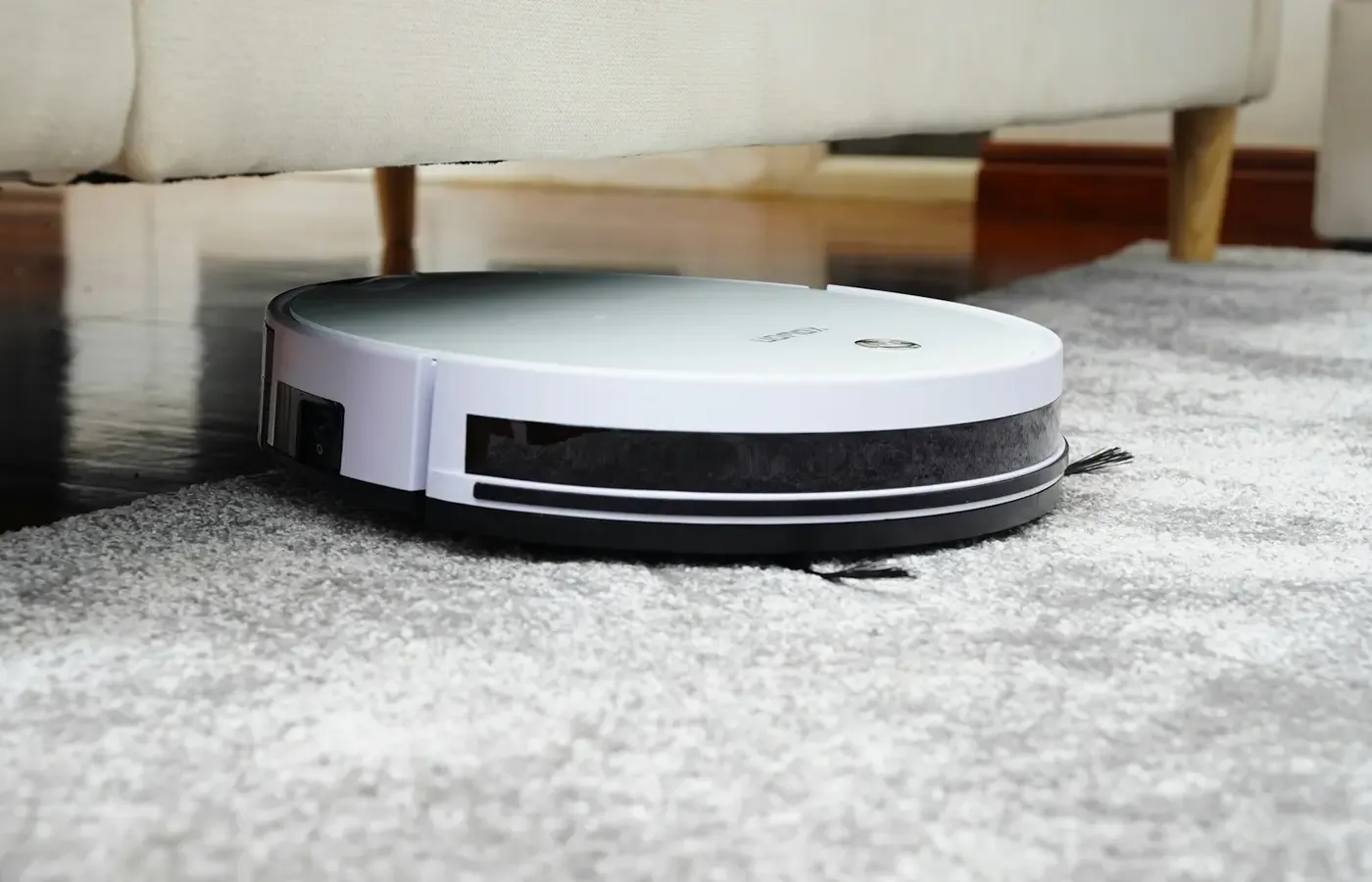
A robot vacuum can make routine floor care easier, particularly when it is used for frequent light cleaning rather than as a substitute for every household chore. But the purchase is not only a choice of navigation, suction settings or mopping modes. It is a decision to maintain a small system of brushes, filters, charging hardware and, in some cases, dock-specific supplies.
That matters because the useful life of the machine depends on more than whether it cleans well when new. A replacement brush is only useful if the exact version remains available. A battery listed somewhere is not necessarily one a buyer can install. A self-emptying dock may reduce one recurring task while adding bags or other model-specific components to the cupboard.
This guide uses official US support material as a way to assess what a buyer can verify before purchase. It cannot establish long-term reliability, future stock levels, repair success rates or a universal cost of ownership. Parts, prices, warranty terms and stock can change by model and market. The practical question is simpler: can you see a credible, affordable path for keeping this particular robot working for the job you expect it to do?
The purchase is a maintenance system, not just a machine
Robot vacuums have routine wear items, parts that may eventually fail, and components whose replacement may require professional diagnosis or service. These are different ownership problems and should not be bundled together under the reassuring phrase “replacement parts available.”
For its X8 and X8 Hybrid models, eufy separates consumable parts from structural parts. Side brushes, rolling brushes, rolling-brush guards and filters are listed as items that need frequent replacement. The battery, charging base, AC adapter and wheels appear instead under structural parts.
That distinction is useful, even if it is not a verdict on the product. A brush is designed to be removed, cleaned and eventually replaced. A wheel, battery or charging base may be purchasable, repairable through a service channel, or neither in a way that is straightforward for an owner. Before buying, establish which situation applies.
Compatibility is another reason to look beyond brand names. iRobot’s compatibility reference lists different filter types and battery specifications across Roomba families and generations. “Roomba filter” or “robot vacuum battery” is not a sufficient search term. The exact model and series matter.
The same principle applies to charging equipment. Dyson’s US support page for the 360 Vis Nav lists model-specific spares including a dock, charging cable and brush bar. That is more informative than a generic accessories page, because it gives a buyer a way to check whether the hardware needed for basic operation is identified for the precise machine under consideration.
Build a parts list before you compare cleaning features
A retailer listing can make a robot seem like a self-contained appliance. The manufacturer’s support material usually gives a more realistic picture. Before choosing between models, make a short parts list and try to verify every item against the exact model in your market.
For a vacuum-only robot, check:
- main or rolling brush, including any brush guard;
- side brushes;
- filters;
- dustbin and bin door, where separately available;
- battery;
- wheels and caster wheel, if listed;
- charging dock or base;
- power adapter and charging cable.
For a mopping or combination robot, add:
- reusable or disposable mop pads;
- water tank and water-system accessories, if applicable;
- cleaning solution requirements, if the manufacturer specifies them;
- dust bags for a self-emptying dock, where the chosen configuration uses them;
- dock trays, wash components or drying accessories, if present.
This is not a demand that every buyer should be able to replace every component. Many people would reasonably prefer official service for a battery, sensor or dock fault. The important distinction is between a supported service route and an unknown one.
Start with the manufacturer’s model-specific support page rather than a marketplace search. Eufy’s X8 documentation, for example, identifies its consumables and maintenance categories. Dyson’s 360 Vis Nav page shows the value of checking whether a maker identifies separate parts for the dock, cable and brush bar. iRobot’s compatibility material shows why a part that looks similar may not fit a different generation.
A useful pre-purchase record has five columns: part name, exact compatible model, official price or pack size, current stock status, and the route for fitting or servicing it. If one of those cells remains blank for a component you consider essential, treat that as information rather than an inconvenience to ignore.
Do not confuse a listing with a promise
A support page can show that a part existed at the time you checked. It does not guarantee availability next year, nor does it establish that an owner can fit the item without tools, instructions or consequences for warranty coverage.
The Dyson page illustrates this limitation particularly clearly: it lists a charging cable with a US price of $59.99, but the supplied support-page snapshot marked that cable as out of stock. A listed component is better evidence than an unverified marketplace offer, but it is not the same as a part you can buy today.
For expensive or unusually model-specific items, take a screenshot or save the product page before placing an order for the robot. It will help you compare configurations and will give you a clearer record if the listing changes.
Price the recurring kit, not only the robot
The most meaningful maintenance cost is personal. It depends on floor area, pets, hair, grit, cleaning frequency, whether the robot mops, and how quickly parts visibly wear. Manufacturer intervals are a starting point, not a household forecast.
Eufy’s X8/X8 Hybrid guidance recommends cleaning the side brush monthly and replacing it every three to six months, or when visibly worn. It gives a six-to-12-month replacement interval for the rolling brush, suggests replacing the rolling-brush guard every three to six months when needed, and lists a three-month interval for the filter. It also directs owners to replace items when visible wear makes that necessary.
Those instructions are useful because they turn an abstract concern about “upkeep” into a checklist. They should not be read as a universal annual bill. A lightly used robot in a small, low-debris home may not follow the same pattern as a machine doing daily work around shedding pets.
Use this calculation instead of relying on a generic total:
| Item | What to record | Why it matters |
|---|---|---|
| Brush and side brush | Official pack price, quantity and suggested interval | Wear is routine, but packs and fit vary by model. |
| Filter | Official price, quantity, cleaning guidance and replacement interval | Filters can be model-specific and may need more attention in dusty homes. |
| Mop pads and bags | Whether your chosen model actually uses them, plus pack size | These can be recurring supplies for combination and self-emptying systems. |
| Battery and dock hardware | Current listing, service option and installation route | These can turn a repair question into a replacement decision. |
| Shipping or service | Stated fees, if available, and repair procedure | A part price alone may not be the final cost of restoring the machine. |
Do not manufacture precision where the information is missing. If official listings do not provide prices, stock status or pack quantities for all relevant items, do not turn partial figures into an annual total. Instead, compare the transparency of the ownership path: can you identify the supplies and obtain them through a clear channel?
Self-emptying models deserve a separate check. Their convenience may be worthwhile if emptying a small onboard bin is the reason a robot would otherwise go unused. But the buyer should verify whether the selected dock uses bags, which bags fit, whether alternatives are officially supported, and what other dock components are sold or serviced. Convenience is real; so is the added dependence on a more elaborate station.
A replacement part is not the same as a repair path
Routine care is one thing. A robot that will not charge, has a wheel fault, develops navigation problems or has a battery issue raises a different set of questions: who diagnoses it, who decides the remedy, and what happens outside warranty?
Roborock’s US repair and spare-parts policy says customers should contact support to determine repair options, procedures, shipping instructions and applicable fees. It describes official repair services through customer support and authorized service channels. That establishes a route to ask for help; it does not establish a fixed out-of-warranty price, a repair outcome or consumer installation rights for a particular part.
Dreame’s US after-sales policy similarly requires customers seeking warranty service to contact the company for diagnosis. The policy applies to products bought through specified authorized channels and first sold and used in the United States. That is a reminder to consider where you buy, especially when a marketplace listing appears cheaper than an authorized retailer.
For eufy’s X8/X8 Hybrid, the supplied support material calls the battery a structural part but does not provide consumer battery-replacement instructions. The responsible conclusion is not that the battery cannot be replaced; it is that the available material does not establish a do-it-yourself procedure. Buyers who regard a user-replaceable battery as essential should obtain model-specific confirmation before buying.
Ask these questions before committing:
- Is there an official repair or support route in my country?
- Does the support material name the exact model, rather than the brand generally?
- Are likely fault-related components sold, serviced, or simply mentioned?
- Must the robot be shipped for diagnosis, and are fees explained before service begins?
- Does buying from this retailer preserve the warranty and service eligibility I expect?
The answers may still lead to a good purchase. A managed repair system can suit a buyer who values convenience and has nearby or mail-in support. But it is a different proposition from owning an appliance designed around user-accessible replacement parts.
Compatibility and stock are ownership risks
The most frustrating robot-vacuum purchase is often not the one with the fewest features. It is the one that becomes awkward to maintain because a needed part is ambiguous, unavailable or tied to a variant you do not own.
Check the model number on the product page, box and support page. Then check regional eligibility. A US warranty policy, a US price and an authorized-US-seller rule should not be assumed to apply elsewhere. This guide is limited to the US-facing sources supplied here.
Avoid treating third-party compatibility claims as equal to official confirmation when the part affects charging, batteries, filters or moving components. A lower upfront price for an unofficial replacement may be tempting, but the supplied sources do not establish its fit, performance, safety or warranty implications. For a machine still under warranty, the authorized purchase channel can be part of the value.
Stock deserves a final check immediately before purchase. A machine with a well-organised parts page is more reassuring than one with no visible parts route. Yet current availability is still the test. As Dyson’s listed-but-out-of-stock charging cable demonstrates, a catalogue entry and a purchasable item are not interchangeable.
When a simpler vacuum—or no upgrade—does the better job
A robot vacuum is usually easiest to justify when it will perform a specific recurring task: keeping hard floors or low-pile carpets presentable between deeper cleans, on a schedule you would otherwise struggle to maintain. In that role, brushes, filters and occasional attention may be an acceptable exchange for cleaner floors with less daily effort.
A conventional vacuum may be the better tool if your main need is deep cleaning, stairs, upholstery, heavy debris or targeted work in rooms a robot cannot reach. It has its own maintenance needs, but it may be simpler to inspect, carry, empty and repair. Keeping an existing vacuum can also be the more economical choice if it still does the work you need.
Delay the purchase if you cannot verify the replacement brushes and filters, the charging hardware, the battery or repair route for the exact configuration. This is not an argument against robot vacuums. It is a way of ensuring that a convenience purchase does not become a short-lived appliance with an unclear exit.
Decision card: buy only after these checks
Proceed if you can confirm the exact model’s routine consumables, their current availability, compatible charging hardware, and a support route that fits your tolerance for service and shipping.
Choose a simpler model if a self-emptying or mopping dock adds supplies and components you do not need for the cleaning task.
Keep your current vacuum if it already meets your cleaning routine and the robot would mainly duplicate it rather than solve a neglected job.
Wait if the manufacturer’s pages do not make compatibility, stock or support sufficiently clear. Better navigation is not much compensation for an ownership path you cannot inspect.
Sources & methodology
This article draws only on US-facing manufacturer support and policy pages supplied for this guide. They are useful evidence of stated maintenance intervals, listed parts, compatibility references and official service procedures, but they do not prove long-term parts availability, repair rates, expected lifespan or total cost of ownership.