A photo archive does not fail only when a hard drive stops working. It can also fail more quietly: when a new computer cannot open an old camera file, a subscription photo app will export pixels but not albums or edits, or a family member inherits folders whose filenames and dates no longer explain what they contain.
That is why the best photo file format for archiving is rarely a single format. A usable archive needs at least three things: the original capture for future editing, an ordinary image file that can be opened without specialist software, and enough accompanying information to make sense of the photograph.
For most photographers, the sensible answer is a layered workflow. Keep the original camera files. Make JPEG copies of images worth viewing and sharing. Treat conversion to DNG as an additional preservation option to evaluate carefully, rather than an automatic replacement for proprietary RAW files. The cost is more storage and occasional housekeeping. The benefit is that one application, camera maker or account has less power to determine whether your pictures remain useful.
There is an important limit to this guidance. The supplied research does not include a preservation institution’s long-term format recommendations, detailed format specifications, or independent testing of RAW-to-DNG conversion across camera brands and software versions. No file format can be honestly described here as permanently future-proof.
The archive problem is access, not simply image quality
A photograph is not just the pixels you see on screen. It may also include its capture date, camera settings, location, caption, copyright information, keywords, star ratings, album membership and the editing instructions used to produce a particular rendering.
Some of that information travels inside an image file. Some may sit alongside it in an XMP sidecar file. Some may live only in an application’s database. That distinction matters when moving from one editing program, cloud service or camera system to another.
The practical question is therefore not simply, “Which format has the highest quality?” Ask instead:
- Can I open this file in more than one application?
- Can another person identify and view it without my current photo library?
- Can I retain enough original data to re-edit an important image?
- Will dates, captions and other context survive an export?
- Do I have a way out if the software changes terms, ends support or stops fitting my needs?
The Verge’s account of camera RAW formats illustrates the central compatibility problem: image software must add support not only for a manufacturer’s file type but often for individual new camera models. A file can be perfectly intact yet inconvenient because the program you now use does not understand it.
That does not make proprietary files disposable. It means they need companions.
RAW preserves options, but “RAW” is not one common format
RAW is best understood as a category, not a universal file format. It holds sensor-originated image data that needs interpretation by processing software before it becomes the familiar photograph you print, email or post.
That extra data is why RAW matters to photographers who want room to revisit exposure, white balance, colour and other processing decisions. A JPEG is already a rendered image: useful, compact and easy to distribute, but not the same kind of editing starting point.
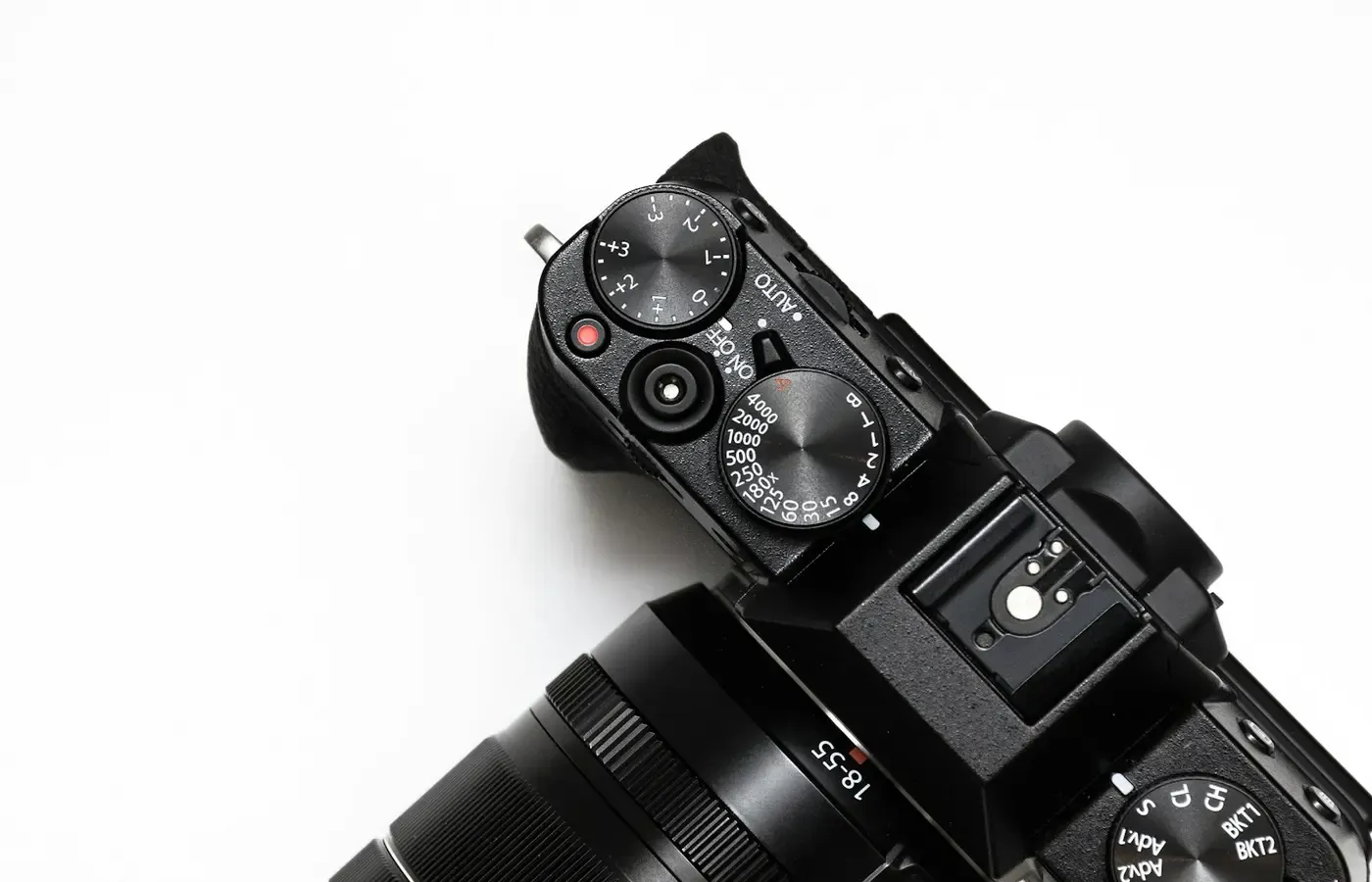
The trouble is that camera makers commonly use their own RAW formats. The Verge identifies Canon CR3, Nikon NEF, Sony ARW and Fujifilm RAF among the proprietary examples. The shared label “RAW” can obscure a meaningful ownership difference: a folder of RAW files may depend on software that knows how a particular camera encoded its data.
Adobe describes DNG as a response to the growing number of undocumented proprietary camera RAW formats. In its discussion of DNG’s design, Adobe says proprietary RAW files may require the manufacturer’s software or a third-party application capable of interpreting them.
For an active photographer, keeping original RAW captures remains a defensible choice. They are the closest record of what the camera produced, and future software may interpret a particular maker’s data more effectively than today’s software. Deleting them after a conversion assumes that the conversion has retained every part of the file you might later value. The supplied evidence does not establish that result across camera models, applications or editing workflows.
Original RAW files also have a simple virtue: they preserve your exit options. If a conversion or migration later proves unsatisfactory, you still have the source material.
JPEG is the practical access copy
JPEG has a different job. It is not usually the file to preserve when maximum re-editing flexibility is essential; it is the image to preserve when people need to see the photograph easily.
A well-organised JPEG collection gives an archive a practical public face. It can be copied to a relative, opened in ordinary image viewers, attached to messages, printed, placed in a document or imported into another service without asking the recipient to understand a camera maker’s RAW format.
That usefulness is not an argument that every image should become JPEG-only. JPEG uses lossy processing, and a rendered JPEG cannot restore the same RAW editing latitude that existed before rendering. It is better thought of as an access copy: a stable-enough expression of how you wanted the image to look at a particular time.
The comparative discussion in Fstoppers’ format guide notes the importance of embedded colour profiles and metadata. A JPEG that opens is not necessarily a complete success if it loses its date, caption, orientation or intended colour appearance.
For images that matter, export at least one JPEG after you have finished a substantial edit. Give it a meaningful filename, and retain its connection to the original through a consistent folder structure or naming system. The aim is not to make the JPEG replace the RAW; it is to make the archive usable without reopening an old editing project.
HEIC and HEIF require a compatibility audit
Phone photographers may encounter HEIC files, commonly discussed in relation to HEIF, rather than JPEG. It is tempting to turn the choice into a contest between old and new formats. That misses the practical decision.
Before relying on HEIC or HEIF as the only form in which important photographs are kept, test the actual people and systems that need access. Copy a small representative group to another operating system or device. Open it in a second image viewer. Try importing it into the service or photo book workflow you expect to use. Check whether the date, orientation and visible rendering survive.
This is a compatibility audit, not a verdict on the format. The supplied research offers comparative context for HEIF, colour profiles and metadata, but it does not provide enough evidence to make broad claims about support, compression, patents or long-term archival suitability. Your own devices and intended recipients are the relevant constraint.
If the audit reveals friction, export JPEG access copies for the photos that need to travel beyond your usual phone and cloud account. Keep the originals where your current system manages them, but do not make everyone else depend on that system.
DNG can reduce dependence, but conversion is not a guarantee
DNG, or Digital Negative, is Adobe’s documented RAW format. Adobe calls it an open standard and positions it as an alternative to the fragmented world of proprietary camera RAW files.
That gives DNG a credible role in an archive: it can be an additional, more openly documented RAW-like preservation copy for files that would otherwise depend entirely on a manufacturer-specific format. Some photographers may also prefer its workflow advantages in software that supports it well.
But “open” does not mean “risk-free,” and converting a file is not the same as proving it has been preserved perfectly. A camera RAW file can contain maker-specific information, previews or interpretation choices. Photo software may also hold edits separately from the original capture. The available sources do not independently compare pixel fidelity, metadata retention or edit compatibility after DNG conversion for every manufacturer and software version.
The cautious approach is to treat DNG as a tested migration copy:
- Select a varied sample: different cameras, lenses, dates, lighting conditions and heavily edited images.
- Convert that sample to DNG using the software you would actually use for the archive.
- Open both the source files and DNG files in a second application where possible.
- Compare capture date, orientation, keywords, captions, ratings, colour rendering and visible edits.
- Check that the converted files still make sense after being copied outside the current photo library.
- Keep the original RAW files until you are satisfied that the converted copies serve your intended purpose.
This is slower than converting an entire archive in one confident sweep. It is also more honest about what is being changed. Conversion can reduce one kind of dependency while introducing another: dependence on the converter’s interpretation of the source file.
Metadata and edits are part of what you are keeping
A photograph that opens but has lost its date and caption is less useful. A photograph whose edits are trapped in an abandoned application may be less faithful to your intentions. Archive planning should include both image data and descriptive data.
Fstoppers distinguishes among EXIF capture information, IPTC fields such as copyright and captions, and XMP sidecars that can carry edit history. Sidecars deserve particular attention because they are easy to overlook when copying only files with familiar image extensions.
Before leaving a photo service or changing software, run an exit drill on a small but representative set of photographs. Include a phone image, a camera RAW file, a JPEG export, an edited image, one with a caption, and one with location or keyword information.
Check the following after export and transfer:
| What to inspect | Why it matters |
|---|---|
| Filenames and folder structure | They help a future viewer understand sequence and source. |
| Capture dates and orientation | These are basic context that can be lost or misread during export. |
| Captions, copyright fields and keywords | They may be more valuable than technical camera settings. |
| XMP sidecars or other companion files | They may contain edits or metadata not embedded in the RAW file. |
| Visible colour and crop | A new application may render an image differently from the old one. |
| Albums, face labels and ratings | These may be application-specific rather than portable metadata. |
Do not assume every field will transfer. The point of the drill is to discover what does not. If a photo app cannot export a useful form of your organisation or edits, consider exporting finished JPEGs for the images where that work matters most, alongside the originals and any available sidecars.
A resilient archive uses originals, access copies and exit drills
There is no universal answer because photographers value different things. A family archive needs easy viewing and clear context. A serious editing workflow needs original captures and the freedom to revisit them. A phone-first library may value convenience until it must move to another platform.
A layered approach accommodates those differences without pretending that storage is free or maintenance unnecessary.
For casual phone photography
Keep the originals produced by the phone and photo service, but export JPEG copies of significant images: family milestones, travel selections, documents and pictures likely to be shared outside your household. Test those exports on a device and viewer you do not normally use.
For photographers who shoot RAW
Keep the manufacturer RAW files, plus any XMP sidecars or catalogue export needed to preserve meaningful work. Export finished JPEGs for favourites, prints and images that others may need to open. Consider DNG only after a representative conversion test, and keep the originals rather than making an irreversible storage-saving decision.
For an archive intended for handover
Prioritise ordinary access. A future relative may not own your camera brand, editing subscription or knowledge of your folder conventions. JPEG access copies, readable names, dates, short captions and a simple note explaining the archive can be more valuable than an immaculate collection of inaccessible masters.
The storage overhead of keeping originals, derivatives and metadata is a real ownership cost. So is the time needed to copy files and inspect them occasionally. Yet that cost should be weighed against the cost of discovering, years later, that the only version of an important photograph is dependent on software you no longer have.
The bounded recommendation is straightforward: keep camera originals when they matter; make JPEGs for human access; preserve sidecars and descriptive metadata; and test a possible DNG migration before trusting it with the only copy of your photographic history. The goal is not a perfect format. It is an archive with more than one route back to your pictures.
Questions worth asking before you convert or delete
Should I convert all my camera RAW files to DNG?
Not automatically. DNG may be useful as an additional, documented RAW-format copy, but the supplied evidence does not show that conversion preserves every camera-specific setting, preview, edit instruction or interpretation in every workflow. Test a varied sample first, and retain the original RAW files unless you have a specific, verified reason not to.
Is JPEG good enough for long-term photo archiving?
JPEG is a strong practical access copy because it is a rendered image intended for easy viewing and sharing. It is not automatically the best or only master for photographs you may want to re-edit extensively, because JPEG does not offer the same RAW processing latitude. For important images, pair JPEG access copies with original captures where available.
What is the difference between HEIC, HEIF and JPEG for keeping photos?
HEIC is commonly encountered as a phone image-file extension associated with HEIF. JPEG is the more familiar rendered image format. For archiving, the important question is not which name sounds more modern but whether your required devices, viewers and export paths can open the files while retaining useful metadata and expected rendering. Test those paths before relying on one format alone.
Do I need to keep XMP sidecar files with my RAW photos?
If your editing software uses XMP sidecars, keep them with the corresponding RAW files. They can carry metadata or edit information that is not inside the image file itself. Confirm this in your own software by exporting a sample, moving both files, and checking whether the edits and descriptive fields remain available.
Sources & methodology
This guide is based only on the supplied research package. The Verge provides reporting on proprietary camera RAW formats and software-support friction. Adobe’s DNG background article is used for Adobe’s account of DNG’s purpose and open-standard status; it is a company source and not independent proof of archival superiority. Fstoppers’ format overview informs the discussion of colour profiles, EXIF, IPTC and XMP sidecars.
The package does not contain independent long-term preservation research, exact current format specifications, or model-by-model tests of DNG conversion. Accordingly, this article recommends verification, redundant access paths and sample migrations rather than declaring any format permanently safe.