A photograph can feel reassuringly self-contained: one image, one file, yours to keep. Modern photo collections are rarely so simple. A camera or phone may supply the original capture, while an app handles transfer, a cloud service stores another copy, and account-based software supplies albums, ratings, titles, searches and edits.
If one part disappears, your photographs may not vanish. But the collection you recognize can still come apart.
That distinction matters whenever a camera maker closes a cloud service, stops maintaining a companion app or changes an account feature. The immediate question is usually, “Can I download my pictures?” The better question is broader: “What will remain usable and intelligible after I leave?”
The evidence here is deliberately narrow. A documented 2019 shutdown illustrates how exported photographs and service-created organization can part company. It does not establish how often shutdowns occur, nor how current camera services handle exports. E/CONSUMER has not tested the backup, restore or export functions discussed below. The practical response is therefore not to distrust every cloud service, but to make sure convenience is not the only route to a complete archive.
Your photo collection is more than a folder of pictures
It helps to view a digital photo collection as several layers. This is an editorial framework, not a claim that every service uses the same architecture.
- Originals: the files produced by the camera or phone.
- Stored copies: local or cloud versions, which may or may not match the originals in resolution and format.
- Descriptive information: filenames, dates, titles, captions, ratings, tags and location data.
- Organization: albums, collections, favorites and relationships between photographs.
- Editing state: crops, color adjustments and other instructions that may remain changeable inside an application.
- Finished versions: rendered images that embody the intended edit and can be opened without reconstructing the editing process.
- Camera functions: wireless transfer, remote control, location linking or account-dependent features supplied by a companion app.
Each layer may have a different exit route. A service might let you download full-resolution image files while leaving its albums behind. An editor might export a finished photograph but not a changeable editing project. A camera might continue taking pictures after its app is withdrawn while losing remote operation or automatic transfer.
The supplied research does not establish how present services store nondestructive edits, metadata or device-control settings. Those details must be checked product by product. The important consumer consequence is that continued access to image files does not necessarily preserve the collection as you know it.
A shutdown can remove context without deleting the pictures
Canon’s Irista service provides a bounded historical example. According to an October 29, 2019 report by PetaPixel, Canon announced that it would close the cloud photo-storage service it had launched in 2014. Members could export data, but the report said tags, photo ratings, titles and albums were not included.
That is not the same as losing every photograph. It can nevertheless be a substantial loss.
For a small collection, rebuilding a few albums may be irritating but manageable. In a long-running archive, ratings can represent hours of selection; titles and tags can make particular pictures findable; albums can preserve the logic of a trip, project or family history. Once that structure is removed, a folder containing thousands of intact photographs may be technically complete yet practically disordered.
Canon reportedly offered Irista members a promotion for Adobe Lightroom cloud storage. That was a migration offer, not evidence that Lightroom reproduced Irista’s organization or editing state. A destination with enough storage capacity does not automatically understand what the departing service created.
The case should not be stretched beyond its limits. It describes one service and one reported export process in 2019. It is not evidence of current Canon policy, nor proof that all cloud photo exports omit organizational information. It does show why “download available” is an incomplete description of an exit.
Work out which copy is actually yours to keep
Before relying on any photo service, locate the full-resolution original of a recent image. It might remain on the memory card, live in a computer folder or exist only inside an app-assisted workflow. Do not infer its location from the fact that a thumbnail appears on several screens.
Then examine the service’s actual export process. A useful audit asks:
- Can you download a file without using the originating app? A web export or ordinary file transfer offers another route if an app becomes incompatible.
- Does the downloaded file match the expected resolution and format? A preview or reduced copy may be adequate for sharing but not equivalent to the camera original.
- Does it open in unrelated desktop software? Test a representative sample rather than assuming that a successful download is a usable restore.
- What accompanies the image? Check whether titles, captions, ratings and album membership are embedded, supplied separately or omitted.
- Can you export in bulk? One-at-a-time retrieval may be a serious obstacle when notice is short or the archive is large.
- What requires an active subscription or account? Establish whether cancellation changes storage, export access or editing functions.
These are reader checks, not E/CONSUMER test findings. Repeat them after meaningful app or plan changes because an exit route is useful only if it still works under the current version and account terms.
It is also worth distinguishing synchronization from backup. A synchronized library can be wonderfully convenient: an addition or edit appears across devices. But synchronization may also reproduce unwanted changes. A separately retained copy has a different purpose—it gives you something to recover when the working library is damaged, deleted or no longer accessible.
Consumer Reports recommends storage redundancy, noting that phones, cameras and computers can fail, disappear or be destroyed. Its page discusses individual services, but the supplied research does not establish the article’s current revision date, market coverage or test method. The durable point is the case for copies in more than one place, not a promise that any named provider will remain available.
Preserve originals, descriptions and finished edits separately
A resilient archive treats three assets as distinct.
Keep untouched originals
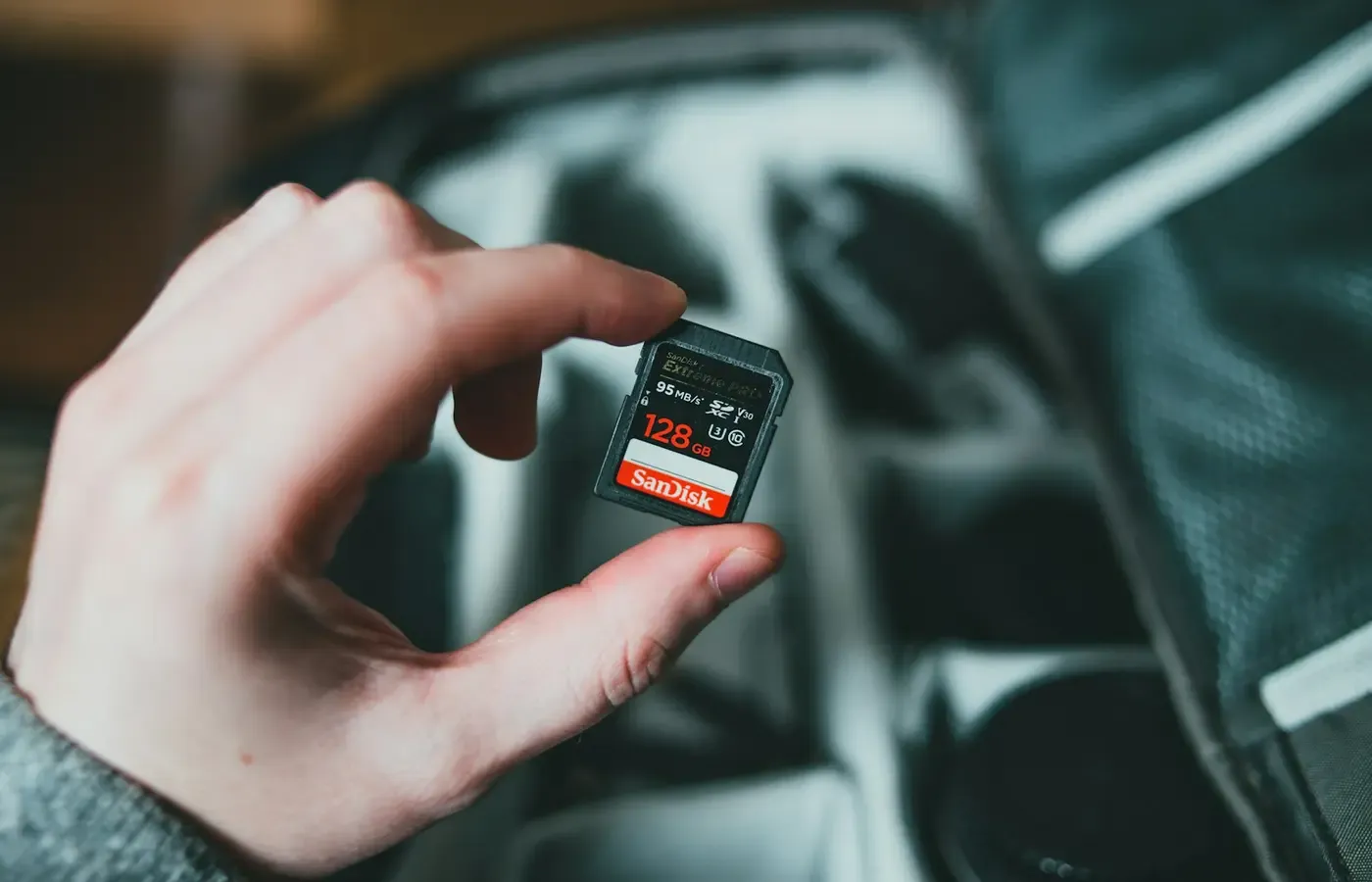
Retain the files produced by the camera outside the service on which you do your organizing or editing. If a cloud platform receives the only copy, establish whether it stores the original file or a transformed version.
“Untouched” does not mean that a file must never be copied or renamed. It means preserving a source version that has not been replaced by a smaller export or by an edit you cannot reverse.
Make descriptive work portable where possible
Albums, ratings and tags are labor, even if a service presents them as lightweight interface features. Look for documented export options and inspect what they produce. If essential descriptions do not travel, consider keeping critical captions or an index in a separate, ordinary document.
Stable folder names and filenames can provide a modest fallback. They cannot reproduce every relationship in a sophisticated catalog, but a directory such as 2025-08-family-reunion remains understandable without a particular account. Avoid elaborate naming systems that you will not maintain.
The Irista case justifies asking whether organizational work survives export; it does not establish which metadata fields current applications preserve. No single workflow or file format can be declared permanent from the supplied evidence.
Export important finished photographs
An editable project and a finished image solve different problems. The project preserves flexibility; the rendered image preserves the visible result.
For photographs whose final appearance matters, keep an exported version that opens in ordinary software, alongside the original where practical. This is especially useful when the edit depends on an application, account or process that may not remain available. It sacrifices some future editability, but it prevents the intended result from existing only as instructions understood by one service.
Do not silently substitute finished exports for originals. A rendered image may be exactly what you want to view or print, while still lacking the source data needed for a different edit later.
Build an archive that survives an account change
A workable routine need not become a second hobby. Its purpose is to reduce the number of irreplaceable things that depend on one device, app or login.
- Retain camera or phone originals in a clearly identified local archive.
- Keep at least one additional copy in a separate location. That second location may be cloud or local; the essential point is that one mishap should not reach both copies.
- Use folders and filenames that remain comprehensible outside the catalog application.
- Export finished versions of photographs whose edits matter.
- Record important captions or organizational information in a portable form when the service cannot export it reliably.
- Periodically restore a sample without relying on the originating account or app.
- Confirm that the restored sample opens and has the expected image dimensions and descriptive information.
- Keep an older compatible device only if it genuinely helps with transition; it is not a substitute for exporting the files.
Frequency should follow the consequence of loss. Someone taking replaceable snapshots may accept a simpler routine than a parent documenting childhood, a photographer maintaining a portfolio or a contractor retaining job records. The point is not maximal preservation at any cost. It is matching effort to what cannot be recreated.
Buying another cloud subscription is not the only response. You may keep your current camera, transfer files by cable or card reader, and simplify the workflow. Used cameras with conventional removable storage may also suit someone who values a direct file path, though app support and compatibility should still be checked for any features you expect to use.
Nor is local storage inherently superior to cloud storage. A drive can fail or be lost; a cloud account can become inaccessible or a service can change. Redundancy works because the copies do not share every failure mode.
Will the camera still work if its app is discontinued?
Possibly, but the answer is model- and feature-specific. Basic capture may be independent of the app, while wireless transfer, remote control, location features or setup functions may not be. The supplied research contains no current support periods or offline-function documentation for named camera systems.
Before buying—or while the product is still fully supported—try to establish:
- whether initial setup requires an account or companion app;
- which controls are available directly on the camera;
- whether photographs can be transferred by cable or removable card;
- whether the app is needed only for optional convenience or for routine operation;
- what phone operating systems are supported;
- whether the maker publishes an app-support or shutdown-notice policy.
If the documentation is vague, treat the feature as contingent rather than permanent. That need not disqualify the camera. It simply changes what you should count as durable value.
Judge the exit before adopting the convenience
Automatic transfer and cloud organization can remove real friction. They can get photographs off a vulnerable memory card, make a collection available across devices and reduce the work of everyday sharing. Those are useful features, not traps by definition.
The safer arrangement is one in which their disappearance would cause inconvenience rather than destroy the only complete or intelligible version of your archive.
Before committing, use this decision card:
- Originals: Where are the full-resolution files, and can I retain them outside the service?
- Export: Can I retrieve everything in bulk, and what exactly is omitted?
- Organization: Do albums, titles, ratings and tags survive in any portable form?
- Edits: Can I preserve both source files and finished versions of important work?
- Account: What stops working if I cancel, lose access or decline a new subscription?
- Camera: Which functions remain available without the app?
- Notice: How would I learn about a closure or material change?
- Restore: Have I successfully opened a downloaded sample using unrelated software?
- Redundancy: Would one device failure, account problem or household incident reach every copy?
Downloading all your photographs before a shutdown may be enough to save the visible images. It is not enough to assume that albums, ratings, captions or editable states came with them. Verify the export, preserve the originals and keep the results that matter in a form you can open elsewhere.
A good photo service earns trust not by pretending it will last forever, but by making departure ordinary.
Sources & methodology
This analysis uses PetaPixel’s October 29, 2019 report on the Canon Irista closure as a historical example of an export that reportedly omitted tags, ratings, titles and albums. Canon’s original closure notice and export documentation were not included in the research package, so those details are attributed to the report.
It also uses Consumer Reports’ cloud photo-storage overview for the general recommendation to keep photographs in more than one place. Time-sensitive details about named services were omitted because the supplied material did not establish the page’s current revision date, market scope or testing method.
E/CONSUMER did not test any camera, app, export, backup or restoration process for this article. Current functionality and support terms should be verified in the documentation for the specific model, service, market and software version.